
The way analysts, researchers, and decision-makers use Manus in 2026 looks very different from even a year ago. With expanded processing power, smarter automation, and more specialized workflows, Manus now offers multiple report analysis modes tailored to different goals. Whether you’re auditing financial statements, reviewing academic research, or performing competitive intelligence, choosing the right mode can dramatically affect the depth, speed, and clarity of your insights.
TL;DR: Manus Report Analysis Modes in 2026 are more specialized than ever. Quick Scan works best for rapid summaries, Deep Dive is ideal for complex investigations, Comparative Mode shines in benchmarking tasks, and Predictive Insight Mode supports forward-looking decisions. Your choice should depend on time constraints, data complexity, and whether you need surface-level insights or strategic foresight. When in doubt, start broad and escalate to advanced modes as patterns emerge.
Why Analysis Mode Choice Matters More in 2026
In earlier platforms, “analysis” was a one-size-fits-all function. In 2026, that approach feels outdated. Modern reports are increasingly data-rich, often combining structured quantitative information with unstructured text, visuals, appendices, and external references. Using the wrong mode can result in:
- Overwhelming amounts of irrelevant detail
- Missed contextual red flags
- Slower turnaround times
- Inconsistent conclusions between teams
Manus addresses this complexity with targeted analysis modes, each optimized for a specific purpose. Let’s break down the key options and when to use them.
1. Quick Scan Mode: Speed and Surface Clarity
Best for: Executive summaries, initial reviews, high-level decision support.
Quick Scan Mode is designed for rapid processing. It extracts central themes, highlights statistical outliers, and summarizes conclusions without diving too deeply into methodology or supporting appendices.

Strengths:
- Fast turnaround, even for 100+ page reports
- Clear executive summaries
- Highlights anomalies and key performance indicators
- User-friendly visual outputs
Limitations:
- Less effective for forensic or compliance analysis
- May overlook nuanced methodological flaws
- Doesn’t deeply cross-reference external sources
When to use it: If you’re preparing for a meeting in 30 minutes or need to screen multiple vendor proposals quickly, Quick Scan is your best starting point.
2. Deep Dive Mode: Thorough and Forensic
Best for: Regulatory audits, academic review, legal disputes, risk assessment.
Deep Dive Mode is Manus at its most analytical. It examines assumptions, verifies internal consistency, cross-checks data references, and identifies logical gaps. In 2026, this mode integrates real-time cross-document validation, meaning it can compare multiple related files simultaneously.
Strengths:
- Granular evaluation of claims and cited evidence
- Uncovers hidden inconsistencies
- Assesses methodology robustness
- Detailed traceability of data sources
Limitations:
- Longer processing time
- May produce more detail than needed for simple tasks
- Requires clearer input structure for best results
When to use it: Choose Deep Dive if stakes are high. For compliance officers, researchers validating peer-reviewed material, or analysts reviewing multimillion-dollar deals, this mode offers confidence at scale.
3. Comparative Mode: Side-by-Side Clarity
Best for: Vendor selection, competitive analysis, performance benchmarking.
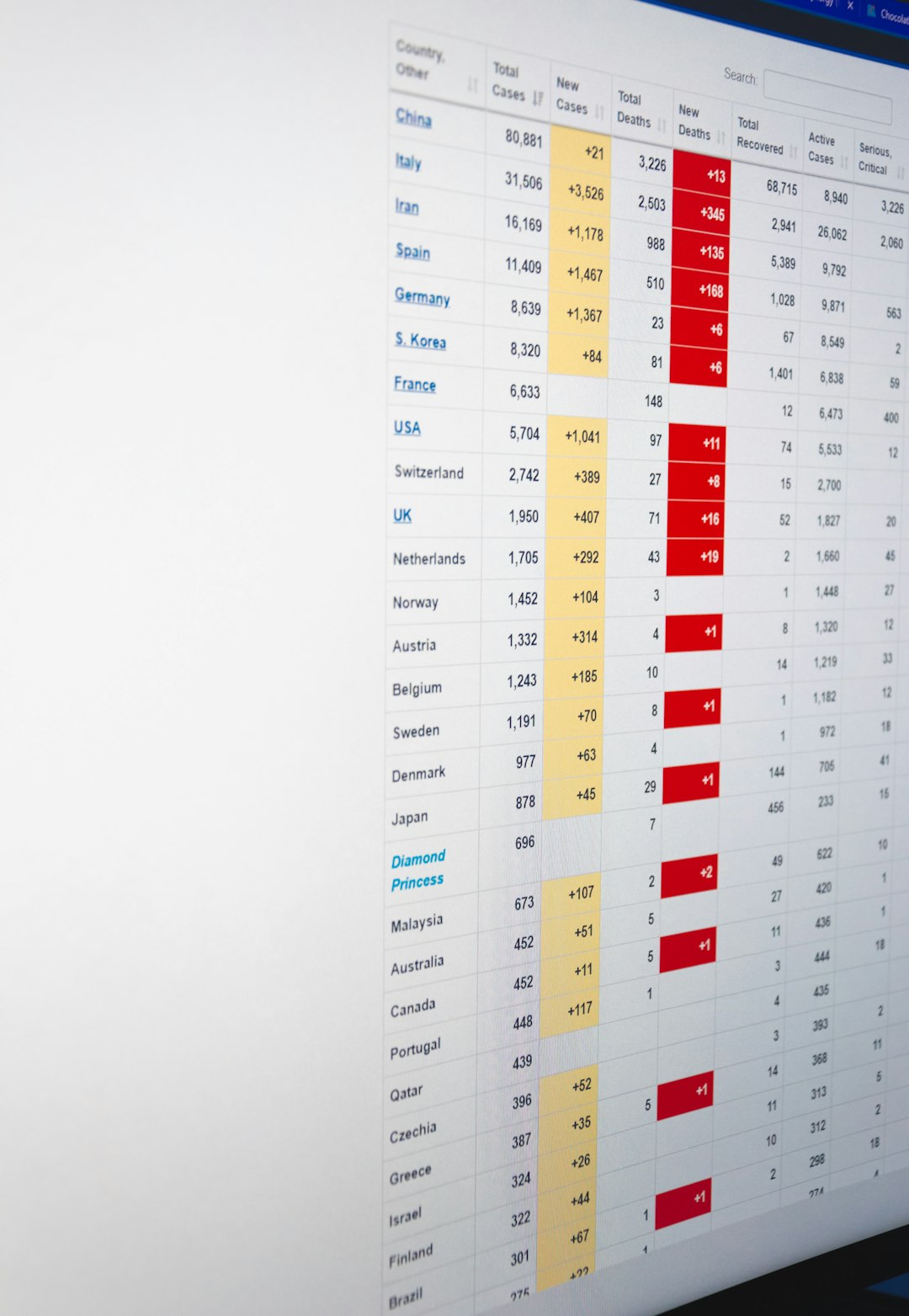
Comparative Mode excels when you need to evaluate multiple documents against each other. Rather than analyzing each report in isolation, Manus identifies contrasts, common patterns, and ranking criteria.
Strengths:
- Side-by-side data alignment
- Automatic metric normalization
- Highlights strengths and weaknesses per entity
- Generates comparison tables and charts
Limitations:
- Requires standardized formatting for best performance
- May simplify complex contextual differences
When to use it: If you’re choosing between three consulting firms, comparing annual earnings reports, or analyzing industry trends over time, Comparative Mode offers structured insight without manual spreadsheet work.
4. Predictive Insight Mode: Forward-Focused Analysis
Best for: Strategic planning, forecasting, investment evaluation.
Predictive Insight Mode builds on extracted historical data and applies scenario modeling. It doesn’t just summarize past performance — it helps anticipate future outcomes, flag potential risks, and simulate alternative strategies.
Strengths:
- Scenario-based forecasting
- Trend extrapolation with confidence levels
- Risk probability scoring
- Action-oriented recommendations
Limitations:
- Forecasts depend on data quality
- Not a substitute for human strategic judgment
- Requires interpretive expertise
When to use it: Executives mapping out three-year growth plans or investors evaluating long-term prospects benefit most from Predictive Insight Mode.

Comparison Chart: Manus Report Analysis Modes (2026)
| Mode | Primary Purpose | Speed | Depth | Best For |
|---|---|---|---|---|
| Quick Scan | High-level overview | Very Fast | Moderate | Executive summaries, early screening |
| Deep Dive | Comprehensive analysis | Moderate | Very High | Audits, research validation, compliance |
| Comparative | Side-by-side evaluation | Fast | High | Benchmarking, vendor analysis |
| Predictive Insight | Forecasting and planning | Moderate | High | Strategic decisions, investment planning |
How to Choose the Right Mode
Here are four guiding questions to help you decide:
- How much time do you have?
Tight deadlines favor Quick Scan. Longer timelines may justify Deep Dive. - What are the consequences of being wrong?
High-risk decisions typically require deeper scrutiny. - Are you analyzing one report or several?
Multiple documents often mean Comparative Mode is more efficient. - Do you care more about past performance or future impact?
For future-oriented strategy, use Predictive Insight.
In practice, many professionals use these modes sequentially: starting with Quick Scan, transitioning to Comparative (if needed), and then moving into Deep Dive or Predictive for critical insights.
The Hybrid Workflow Trend in 2026
One of the biggest shifts in 2026 is the rise of hybrid workflows. Instead of committing to a single mode, teams layer them strategically:
- Quick Scan to flag areas of concern
- Deep Dive on problematic sections
- Comparative Mode to benchmark anomalies
- Predictive Insight to project long-term implications
This layered approach increases confidence while keeping analysis efficient. It also reduces manual data transfer between different tools, since Manus now allows seamless mode switching within a single interface.
Final Thoughts: It’s About Intent, Not Just Features
The real question isn’t which Manus analysis mode is “best.” It’s which one fits your intent. Are you clarifying, validating, comparing, or projecting? Each mode is optimized for a particular cognitive task.
In 2026, the most successful analysts aren’t just skilled at interpreting data — they’re skilled at choosing the right analytical lens. By aligning your objective with the appropriate Manus Report Analysis Mode, you transform raw information into confident, actionable insight.
Use speed when you need clarity. Use depth when you need certainty. Use comparison when you need perspective. And use prediction when you need direction.