
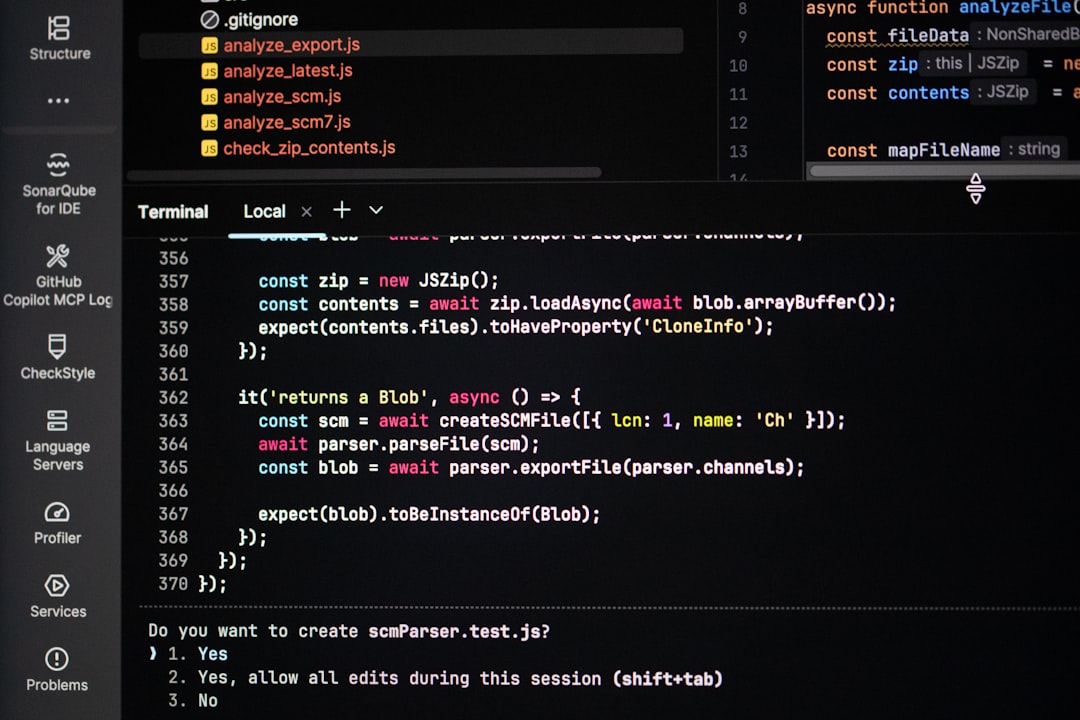
The command line has long been a trusted companion for developers, system administrators, and power users. Yet for many, it still feels like a stark, text-only environment that demands memorization and precision. Fortunately, modern terminal enhancement tools such as Oh My Zsh, Prezto, and similar frameworks have transformed the command-line interface (CLI) into a powerful, customizable, and even enjoyable workspace. With the right setup, your terminal can become faster, smarter, and significantly more productive.
TLDR: Terminal enhancement tools like Oh My Zsh improve command-line productivity by adding themes, plugins, autocompletion, syntax highlighting, and workflow automation. They turn a basic shell into a powerful, customizable environment tailored to your needs. With minimal setup, users can save time, reduce errors, and streamline everyday tasks. Whether you’re a beginner or an advanced developer, these tools can dramatically improve your terminal experience.
At the core of these tools is the idea that the terminal does not have to remain minimalistic and rigid. Instead, it can become an intelligent assistant that anticipates commands, visualizes important information, and integrates seamlessly with the rest of your development environment.
What Is Oh My Zsh?
Oh My Zsh is an open-source framework for managing your Zsh configuration. Zsh (Z shell) itself is a powerful shell known for its flexibility and features beyond traditional Bash. Oh My Zsh builds on that foundation by offering:
- Hundreds of plugins
- Dozens of themes
- Simplified configuration management
- Community-driven updates and extensions
Rather than writing complex configuration files from scratch, users can enable features with a few simple edits. This lowers the barrier to entry while still supporting deep customization.
Why Terminal Productivity Matters
For developers and system administrators, the command line is not just a tool — it’s a primary workspace. Tasks such as version control, file manipulation, server management, and package installation often happen inside the terminal. Even small inefficiencies can compound over time.
Consider this:
- Typing long Git commands repeatedly
- Navigating deep directory structures
- Correcting minor typos in complex commands
- Switching contexts between projects
Enhancement tools reduce friction in all these areas. A few saved keystrokes per command can translate into hours saved over weeks or months.
Powerful Features That Boost Productivity
1. Smart Autocompletion
One of the most impactful upgrades is advanced autocompletion. Zsh already improves on Bash, but with plugins, it becomes even smarter. It can:
- Autocomplete Git branches
- Suggest command options
- Complete file paths intelligently
- Recommend previously used commands
This not only speeds up typing but reduces syntax errors. Instead of memorizing every flag for a command, your shell assists you interactively.
2. Syntax Highlighting
Syntax highlighting brings visual structure to command input. Valid commands appear in one color, strings in another, and invalid commands may show in red. This immediate feedback prevents mistakes before hitting Enter.
For example:
- Valid commands appear clearly distinguishable
- Incorrect syntax is flagged instantly
This is particularly useful when executing destructive operations such as file deletions or server reconfigurations.
3. Custom Themes and Informative Prompts
A theme is more than just aesthetics. Modern prompts display contextual information such as:
- Active Git branch
- Repository status (modified, staged, untracked files)
- Python virtual environment
- Node version
- Execution time of last command
This information appears inline, meaning you no longer need to manually run status checks. It’s passive awareness built directly into your workflow.

4. Plugin Ecosystem
Oh My Zsh shines because of its plugin architecture. Enabling plugins is often as easy as adding their names to a configuration file.
Popular categories include:
- Git plugins – Short aliases for common commands like gst (git status) or gco (git checkout)
- Docker plugins – Simplified container management
- Node and npm plugins – Version control and package shortcuts
- Cloud CLI plugins – AWS, Azure, or Google Cloud helpers
- History search plugins – Smarter reverse command lookup
Instead of remembering lengthy commands, you rely on intuitive abbreviations. This reduces cognitive load and allows you to focus on solving problems rather than recalling syntax.
Aliases: Small Change, Big Impact
Aliases are simple text substitutions, but their impact is substantial. For example:
llinstead ofls -lagsinstead ofgit statusdcupinstead ofdocker-compose up
When combined with Oh My Zsh plugins, dozens (or hundreds) of useful aliases come preconfigured. Users can also define their own shortcuts tailored to specific projects or workflows.
Over time, these micro-optimizations become second nature and significantly accelerate daily tasks.
Improved Navigation and Directory Management
Navigating massive project structures can be tedious. Enhancement tools often integrate with utilities that allow:
- Jumping to frequently used directories instantly
- Autocompleting directory paths based on usage frequency
- Navigating upward multiple levels with shortcuts
Some setups even track your directory history and prioritize folders you use most often. Instead of typing long paths manually, intelligent suggestions guide you.
Better History Management
Traditional shells maintain a command history, but tools like Oh My Zsh can enhance it further:
- Shared history across sessions
- Duplicate command prevention
- Incremental search as you type
- Fuzzy search through past commands
When working on complex tasks, being able to retrieve a previous command instantly can save enormous amounts of time.
Reducing Errors and Increasing Confidence
Terminal mistakes can be costly. Accidentally running the wrong command on a production server is not uncommon. Enhancement tools reduce risk by:
- Highlighting dangerous commands
- Displaying contextual information before execution
- Making typos visually obvious
- Encouraging clearer, more readable workflows
The visual clarity introduced by themes and syntax highlighting makes the command line more predictable.
Image not found in postmetaCustomization Without Complexity
One of the remarkable aspects of Oh My Zsh is that it allows deep customization without overwhelming complexity. Key configuration happens in a single file, often named .zshrc. From there, users can:
- Enable or disable plugins
- Change themes
- Add custom aliases
- Modify environment variables
This centralized setup makes experimentation safe and simple. You can refine your workflow over time instead of attempting to build the perfect configuration immediately.
Other Terminal Enhancement Tools
While Oh My Zsh is arguably the most popular framework, other tools complement or extend terminal productivity:
- Prezto – A configuration framework for Zsh focused on performance and modularity
- Powerlevel10k – A highly optimized and customizable prompt theme
- Starship – A cross-shell prompt written in Rust
- tmux – Terminal multiplexer for managing multiple sessions
- fzf – Fuzzy finder for interactive searching
When combined thoughtfully, these tools create a development environment that rivals full graphical IDEs in functionality and comfort.
Performance Considerations
One concern with enhancement tools is performance overhead. Loading too many plugins can slow startup times. Best practices include:
- Enabling only necessary plugins
- Choosing lightweight themes
- Regularly auditing configuration
- Avoiding redundant extensions
With careful configuration, most users experience negligible slowdown while gaining significant productivity improvements.
Who Benefits Most?
Although anyone can benefit from terminal enhancements, they are especially useful for:
- Software developers managing multiple repositories daily
- DevOps engineers handling servers and containers
- Data engineers processing workloads via CLI tools
- System administrators responsible for mission-critical environments
Even beginners can benefit, as these tools reduce the steep learning curve associated with raw command-line interfaces.
Final Thoughts
The command line no longer needs to feel intimidating or inefficient. Tools like Oh My Zsh redefine what the terminal can be — transforming it from a plain text interface into a dynamic, intuitive, and highly personalized productivity hub.
By adding smart autocompletion, aliases, informative prompts, syntax highlighting, and an expansive plugin ecosystem, terminal enhancement frameworks empower users to work faster and more confidently. The cumulative effect of small improvements creates a smoother workflow, fewer errors, and a more enjoyable development experience.
If you spend hours in the terminal each week, investing time in configuring tools like Oh My Zsh may be one of the highest-return productivity upgrades you can make.