

Video editing has evolved from a niche technical discipline into a core component of modern communication. Whether producing social media clips, corporate presentations, documentaries, or cinematic projects, today’s creators rely on powerful and flexible video editing solutions to transform raw footage into compelling visual narratives. The challenge lies not only in choosing the right software but also in understanding how different tools serve distinct levels of expertise, creative ambition, and production demands.
TLDR: Video editing solutions vary significantly depending on whether you are a beginner or a professional. Beginners benefit from intuitive interfaces, templates, and automated features, while professionals require advanced controls, color grading tools, and collaborative workflows. Choosing the right platform depends on your goals, hardware, budget, and long-term ambitions. Understanding the strengths of each category ensures better creative outcomes and efficient production.
At its core, video editing involves trimming, arranging, enhancing, and exporting visual content. However, the sophistication of available tools ranges from simple drag-and-drop editors to comprehensive post-production suites used in film and television. Selecting the appropriate solution requires careful consideration of usability, power, scalability, and overall workflow integration.
Understanding the Needs of Beginners
For beginners, the primary objective is accessibility. A video editing solution should make it straightforward to:
- Import video, audio, and images easily
- Trim and split clips without technical barriers
- Add transitions, titles, and music
- Export content in optimized formats for social platforms
Ease of use is critical. Overly complex interfaces can discourage new users and delay learning. Many entry-level solutions offer guided tutorials, pre-built templates, and automated features such as one-click color correction and audio balancing. These features simplify technical processes while allowing beginners to focus on storytelling.
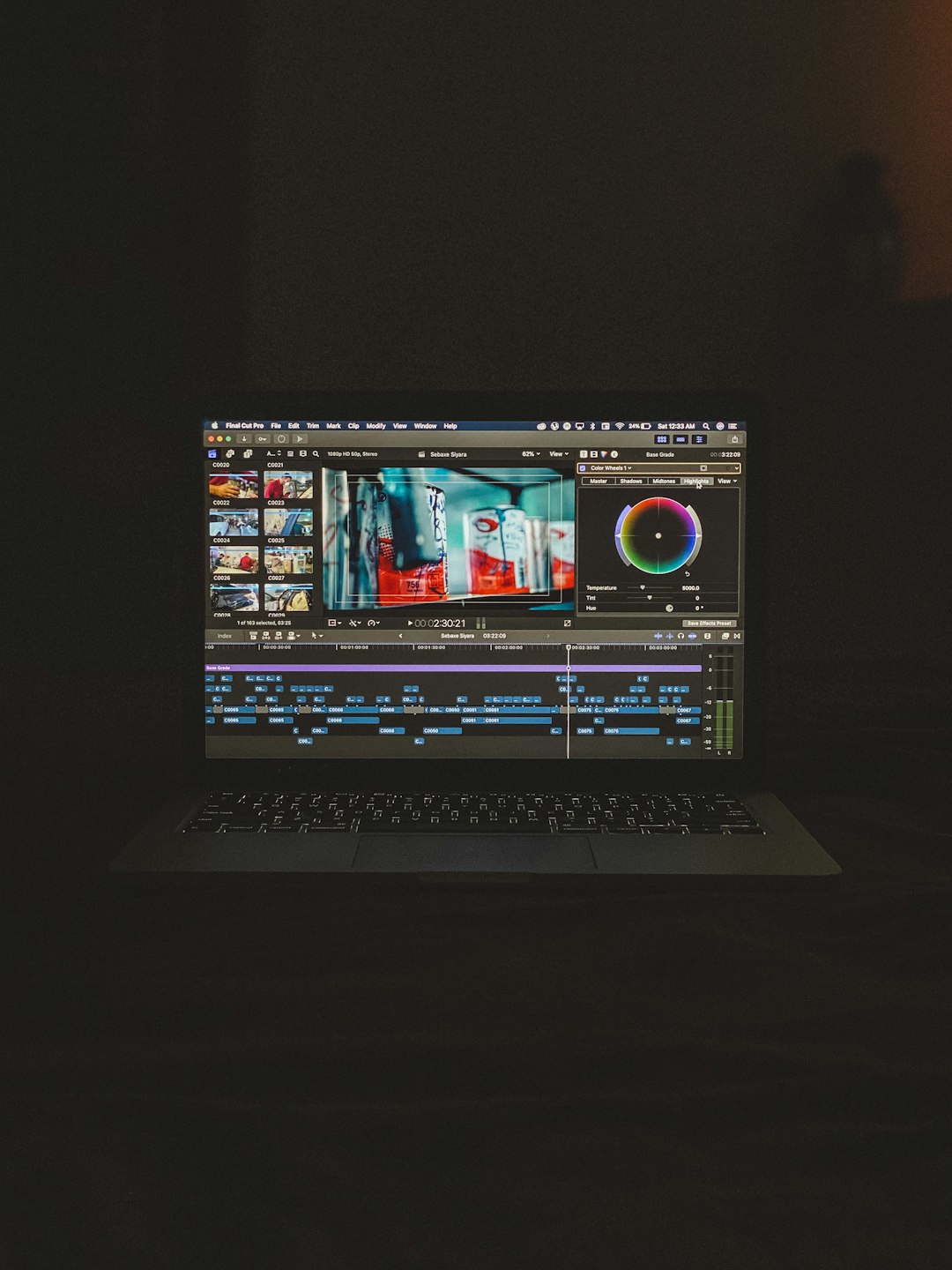
Cloud-based platforms have also become increasingly popular among beginners. These editors generally offer:
- No installation requirements
- Cross-device accessibility
- Integrated stock footage and music libraries
- Automatic saving and online collaboration
While these tools may lack some advanced features, they are often sufficient for social media creators, educators, marketers, and small business owners who prioritize speed and convenience over technical mastery.
Key Features That Support Learning
Video editing is a skill developed over time. The right beginner-friendly solution should encourage growth rather than impose limitations. Important learning-oriented features include:
- Non-destructive editing: Allows experimentation without permanently altering original files.
- Visual timelines: Clear clip organization enhances workflow comprehension.
- Built-in effects presets: Help users understand color grading and motion effects.
- Basic audio tools: Ensure voice clarity and balanced soundtracks.
Gradual exposure to slightly advanced features—such as keyframes or layered editing—enables beginners to transition smoothly to intermediate proficiency. The best platforms do not overwhelm users but provide scalable complexity.
Intermediate Solutions: Bridging the Gap
As skills develop, creators often find entry-level tools restrictive. This stage typically demands more creative control without venturing fully into professional studio systems. Intermediate editors usually seek:
- Multi-track editing capabilities
- Advanced transitions and customization options
- Manual color correction tools
- Improved rendering performance
These solutions strike a balance between usability and professional-grade potential. For freelancers, YouTubers, and digital marketers, intermediate editing platforms provide sufficient flexibility for branding consistency and sophisticated visual storytelling without overwhelming complexity.
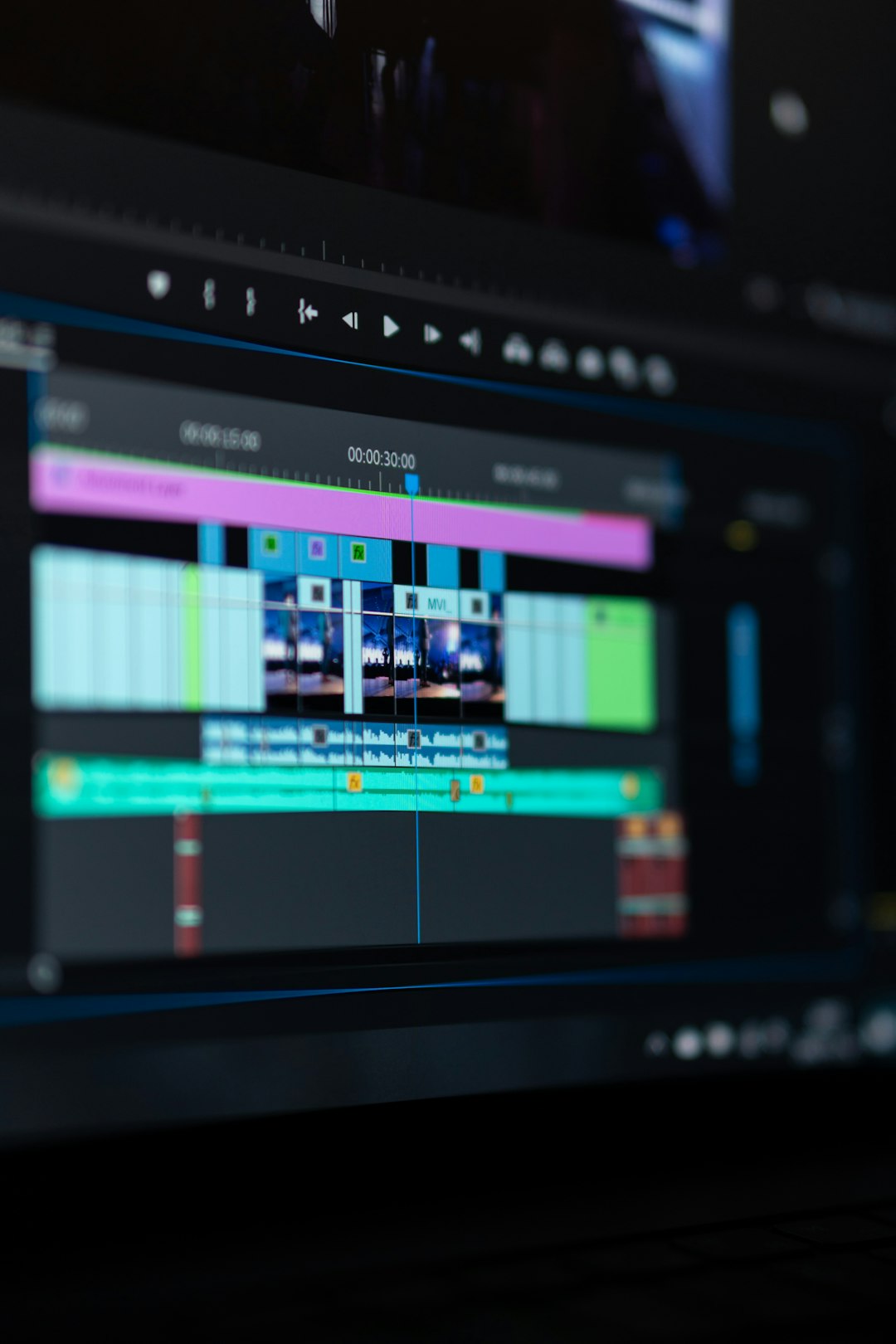
A key advantage at this stage is learning workflow optimization. Users start organizing media libraries, managing file naming conventions, and incorporating external assets such as motion graphics. Efficiency becomes as important as creativity.
Professional Video Editing Solutions
Professional-level video editing requires powerful tools capable of handling high-resolution footage, complex visual effects, and collaborative workflows. These systems are commonly used in:
- Film and television production
- Advertising agencies
- Newsrooms and broadcast environments
- High-end corporate communications
The defining characteristics of professional solutions include:
- Advanced color grading panels: Full control over tone, contrast, and visual mood.
- High-resolution support: 4K, 6K, 8K, and beyond.
- Multi-cam editing: Synchronization of footage from multiple camera sources.
- Audio mixing integration: Precise sound engineering compatibility.
- Customizable workflows: Adaptable to various post-production pipelines.
Unlike beginner tools, professional editors demand stronger hardware environments. High-performance CPUs, dedicated GPUs, and large storage systems are often necessary to manage complex projects efficiently.
Reliability and stability are non-negotiable in professional environments. Deadlines, teams, and client expectations require consistent performance, precise rendering, and secure file management systems.
Collaboration and Workflow Efficiency
Modern video production increasingly relies on teamwork. Professional editing solutions integrate collaborative features such as:
- Shared project files
- Version control systems
- Cloud-based asset libraries
- Integrated feedback tools
These tools reduce miscommunication and accelerate approval cycles. For agencies, production houses, and remote teams, collaboration capabilities are often a decisive factor when choosing an editing platform.
Cloud-Based vs. Desktop Editing
One of the most significant considerations today is whether to adopt cloud-based or desktop-based editing software.
Cloud-Based Solutions:
- Accessible from multiple devices
- Minimal hardware requirements
- Automatic updates
- Integrated sharing and storage
Desktop-Based Solutions:
- Greater processing power
- Advanced customization
- Enhanced offline functionality
- Stronger integration with external hardware
Beginners may prefer the flexibility of cloud tools, while professionals typically rely on desktop platforms for intensive rendering and specialized features. However, hybrid solutions are emerging, blending the strengths of both models.
Budget Considerations
Budget plays a central role in selecting any video editing solution. Costs may include:
- Software subscriptions or licenses
- Hardware upgrades
- External storage devices
- Training and educational resources
Free editing software can be effective for novices, but limitations in export quality, watermarks, or advanced features often necessitate upgrades. Subscription models offer continuous updates and support but require ongoing financial commitment.
Professionals often view editing software as a long-term investment rather than a short-term expense. High-quality tools improve productivity, scalability, and overall production value.
Choosing the Right Solution
Selecting an appropriate video editing solution requires honest evaluation of several factors:
- Skill level
- Project complexity
- Hardware capability
- Collaboration needs
- Long-term creative goals
Beginners should prioritize intuitive interfaces and educational support. Intermediate editors benefit from scalable features that encourage growth. Professionals must demand stability, precision control, and integration within broader production systems.
Importantly, no single solution suits every creator. What matters most is alignment between the editor’s capabilities and the user’s objectives. The right choice empowers creativity rather than restricting it.
The Future of Video Editing
Advancements in artificial intelligence, cloud connectivity, and real-time rendering are reshaping the video editing landscape. Automated scene detection, intelligent audio cleanup, and AI-assisted color grading are becoming increasingly common across both beginner and professional platforms.
For beginners, these technologies lower the learning curve. For professionals, they accelerate workflows without compromising creative control. As innovation continues, video editing solutions will likely become more adaptive, faster, and more collaborative.
Despite technological progress, the foundation remains unchanged: strong storytelling supported by effective technical execution. Tools enhance vision—but they do not replace skill, judgment, and creativity.
Conclusion
Video editing solutions now cater to a broad spectrum of users, from individuals experimenting with their first clips to seasoned professionals producing feature-length projects. Beginners require clarity, guidance, and simplicity. Professionals demand precision, scalability, and collaborative efficiency.
The most trustworthy approach to selecting a video editing platform is grounded in practical needs rather than trends. Evaluate your goals carefully, assess your technical readiness, and choose a solution that supports both your current projects and future ambitions. With the right tools in place, video editing becomes not just a technical task but a powerful medium of communication and storytelling.