
Ubuntu Studio is one of the most versatile and powerful multimedia production operating systems available for creative professionals and hobbyists alike. Built on Ubuntu and tailored specifically for creators in the fields of audio, video, and graphic production, Ubuntu Studio comes preloaded with some of the best open-source tools in the market. This makes it an ideal platform for musicians, filmmakers, designers, and digital artists who want a stable and flexible environment for their work.
TL;DR: Ubuntu Studio provides a comprehensive suite of applications for multimedia production including audio editing, video production, and graphic design. It comes pre-installed with professional-grade open-source tools like Ardour, Kdenlive, and GIMP. This makes it a fantastic option for those who need a reliable and creative Linux workspace. Whether you’re a beginner or a seasoned pro, Ubuntu Studio streamlines creative workflows while being completely free of charge.
Audio Production Apps in Ubuntu Studio
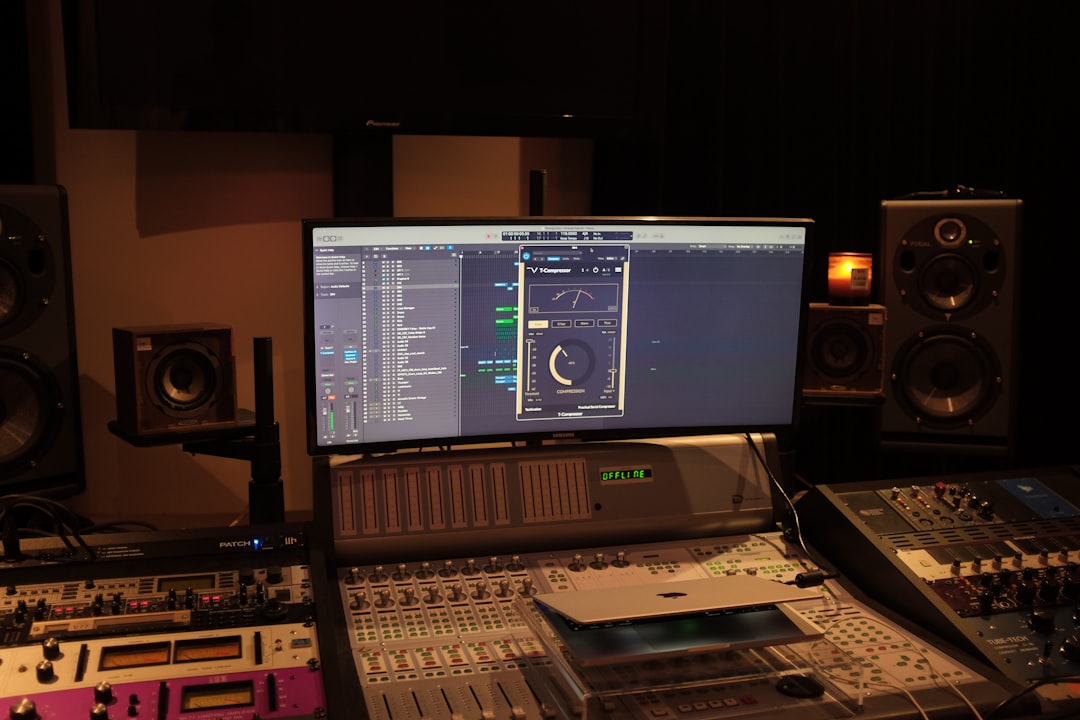
Ubuntu Studio turns any compatible computer into a powerful digital audio workstation (DAW). It features several specialized tools for both live and studio-based sound production.
Ardour
Ardour is a professional-grade DAW that supports unlimited audio and MIDI tracks, automation, plugin support (LADSPA, VST, LV2), and sophisticated routing options. It’s perfect for recording bands, mixing sessions, or designing complex soundscapes.
Audacity
Audacity is widely recognized and used for its simplicity and broad capabilities in multitrack audio editing. It’s perfect for podcasters, voice editors, and anyone needing a lightweight, powerful audio editor.
Carla and JACK Audio Connection Kit
The JACK Audio Connection Kit offers low-latency audio routing among applications. Together with Carla, a modular plugin rack, this creates a flexible environment to route audio signals between different software, hardware, and effects processors.
Other Noteworthy Tools
- Qtractor – A lightweight DAW aimed at more traditional MIDI + audio workflows.
- Hydrogen – An advanced drum machine and sequencer for beatmakers.
- Patchage – A visual patch bay to arrange your JACK clients with drag-and-drop simplicity.
Video Editing and Production Tools
Ubuntu Studio includes several tools designed for nonlinear editing, special effects, screen capture, and video formatting to enable a complete film production pipeline.
Kdenlive
Kdenlive (KDE Non-Linear Video Editor) is one of the most advanced open-source video editors. It supports multi-track editing, a wide range of codecs, effects, and transitions. It caters to both casual users and pros who need pixel-perfect precision.
OBS Studio
OBS Studio is not just for livestreaming—it’s also used for screen recording and event documentation. The integration into Ubuntu Studio means smoother performance and audio-video sync via JACK.
FFmpeg
FFmpeg is a command-line tool for converting, streaming, and recording video. Although it works behind the scenes, it’s essential for tasks like transcoding files to different formats or automating batch edits.
Other Notable Mentions
- Blender – While primarily known for 3D modeling, Blender is also great for video cutting and mixing.
- HandBrake – Useful for converting large video files into web-optimized formats.
Graphic and Design Applications
In addition to audio and video functionality, Ubuntu Studio includes several packages tailored for 2D and 3D graphic artists, photographers, and illustrators.
GIMP
GIMP (GNU Image Manipulation Program) is a robust image editor similar in functionality to Adobe Photoshop. From retouching to complex image compositions, GIMP provides a complete suite of features for visual creators.
Inkscape
Inkscape focuses on vector graphics and is ideal for creating logos, diagrams, or illustrations. Its SVG format-based editing makes it a favorite among web designers and print artists alike.
MyPaint
MyPaint is excellent for digital painting and drawing. It’s optimized for graphics tablets and focuses on minimal distraction to keep artists in their flow state.
Darktable and Krita
- Darktable – A photography workflow app for RAW image development similar to Adobe Lightroom.
- Krita – Geared more toward concept artists and illustrators, Krita is a full-featured painting application with a comprehensive brush engine and color management.
3D Design
Blender deserves a second mention here. Apart from video editing, it also supports full 3D modeling, sculpting, animation, rigging, and rendering using the powerful Cycles engine.
Creative Workflow Integration
One of the often-overlooked advantages of Ubuntu Studio is the seamless integration of all these tools using the Ubuntu Studio Controls panel. This utility helps configure audio settings, manage JACK connections, and adjust CPU priorities specifically for media production.
The use of the low-latency kernel further ensures that users experience minimal input lag and audio dropouts—crucial for live performance and recording sessions.
Why Choose Ubuntu Studio?
Ubuntu Studio is more than just a collection of apps—it’s a well-configured and optimized workspace created to minimize setup time and maximize creative output. With it, artists are empowered by:
- Zero-cost, open-source tools
- Minimal bloat and optimized performance
- Deep integration of audio and video routing through JACK
- Regular updates and LTS (Long-Term Support) versions
Conclusion
Ubuntu Studio stands out as a fully-equipped, specialized Linux distribution for creators. Whether you’re an aspiring musician, indie filmmaker, or freelance designer, the tools included offer everything you need to begin and grow your creative journey. And since it’s built on Ubuntu’s reliable foundation, you’re getting long-term support and stability right out of the box.
Frequently Asked Questions (FAQ)
-
Q: Is Ubuntu Studio free to use?
A: Yes, Ubuntu Studio is completely free and open-source, under the same GNU/Linux licensing as Ubuntu. -
Q: Can I install Ubuntu Studio apps on an existing Ubuntu installation?
A: Yes, you can install the Ubuntu Studio Installer package on any Ubuntu-based system to selectively install the multimedia tools. -
Q: Does Ubuntu Studio support VST plugins?
A: Yes, support for Linux-native VSTs is built-in. With additional setup, you can also run some Windows VSTs using Wine and Carla. -
Q: What are the hardware requirements?
A: A minimum of 4GB RAM is recommended. However, for best performance in audio/video production, 8GB+ of RAM, SSD storage, and a multi-core CPU are suggested. -
Q: Are updates and upgrades straightforward?
A: Yes, like Ubuntu, Ubuntu Studio benefits from a simple software updater and long-term support releases every two years.