
Linux gaming has matured rapidly over the past few years, and two distributions frequently mentioned in enthusiast circles are Bazzite and Nobara. Both are designed with gamers in mind, both reduce the usual Linux setup headaches, and both promise a smooth, console-like or near-Windows gaming experience. Yet they take very different paths to reach that goal.
TL;DR: Bazzite focuses on delivering a console-like, immutable, low-maintenance experience built around Fedora Atomic and gaming clients like Steam. Nobara, based on Fedora but heavily customized, prioritizes performance tweaks, driver convenience, and flexibility for PC gamers. Bazzite is ideal for users who want stability and simplicity, especially for living room setups. Nobara is better for gamers who want more control, built-in optimizations, and a traditional desktop feel.
Background and Philosophy
Although both distros aim to enhance the Linux gaming experience, their philosophies are quite different.
Bazzite is built on Fedora Atomic (such as Silverblue/Kinoite concepts) and adopts an immutable system architecture. This means the core operating system is read-only and updated atomically. The idea is simple: reduce breakage, improve reliability, and deliver a console-style experience that “just works.” It is especially popular among users turning PCs or handheld devices into SteamOS-like machines.
Nobara, on the other hand, is a modified version of Fedora created by GloriousEggroll, a well-known figure in the Linux gaming community. Nobara integrates numerous patches, custom kernels, and gaming-related improvements directly into the system. Rather than locking things down, Nobara opens them up—preconfiguring the system to remove common frustrations gamers face on standard distros.
Installation and First Impressions
Bazzite: Console Simplicity
Bazzite’s installation process is streamlined, and once installed, it often boots directly into a gaming-focused interface such as Steam in Big Picture Mode. For users aiming to replicate a Steam Deck-like environment on desktop hardware, this is a major advantage.
- Preconfigured Steam integration
- Automatic driver handling
- Minimal post-install setup
The user experience feels polished and focused. However, users accustomed to traditional Linux desktops may find the immutable structure restrictive at first.
Nobara: Familiar Yet Enhanced
Nobara installs much like Fedora but comes in several editions, including KDE and GNOME. After installation, users are greeted with a full-featured desktop that behaves much like a mainstream Linux distribution—but with gaming enhancements already in place.
- Preinstalled codecs
- OBS and multimedia tools ready to go
- Wine, Proton, and driver improvements included
For gamers who also use their PC for streaming, editing, or development, Nobara often feels more versatile right out of the box.
Performance and Gaming Optimizations
Performance is where both distributions shine—but in slightly different ways.
Bazzite’s Approach
Bazzite leverages the stability of Fedora Atomic and integrates gaming frameworks like:
- Proton GE support
- Gamescope
- Optimized kernel configurations
The immutable base reduces the risk of system-level misconfiguration that might affect performance. Updates are delivered atomically, minimizing the chance of partial upgrades breaking drivers or libraries.
This makes Bazzite particularly attractive for:
- HTPC gaming setups
- Handheld gaming PCs
- Users who prefer appliance-style systems
Nobara’s Custom Tuning
Nobara includes custom patches not present in stock Fedora. These may include:
- Kernel tweaks for better gaming responsiveness
- Wine fixes for compatibility
- Easy NVIDIA driver integration
Nobara’s strength lies in convenience. Instead of requiring manual tweaks, many common optimizations are already applied. For gamers who frequently experiment with different launchers (Lutris, Heroic, Bottles), Nobara’s flexibility becomes a major asset.
System Stability and Updates
Immutable vs Traditional Model
The biggest technical difference lies in the update model.
Bazzite uses an atomic update system. Updates are applied as complete images and can easily be rolled back if something goes wrong. This dramatically reduces system corruption risks. However, installing low-level custom packages can be more complicated and may require containerized tools like Toolbox.
Nobara, while stable, uses a traditional package management approach. This gives users greater flexibility but also increases the chance of dependency conflicts—particularly if mixing repositories or experimenting heavily.
For users who enjoy tinkering, Nobara’s flexibility is a benefit. For users who want reliability comparable to a console, Bazzite’s immutable design is compelling.
Hardware Support
Gaming performance heavily depends on GPU drivers and kernel support.
NVIDIA Users
Nobara has built a strong reputation for straightforward NVIDIA support. The distro often simplifies what can otherwise be a frustrating installation process on Linux.
Bazzite also supports NVIDIA hardware well, but because of its atomic structure, certain advanced modifications may require extra steps.
AMD Users
Both distros handle AMD GPUs exceptionally well thanks to strong upstream Mesa support. In many cases, performance differences are negligible.
Steam Deck and Handheld Appeal
Bazzite has gained attention for its compatibility with handheld systems and Steam Deck-like setups. Its design philosophy aligns closely with Valve’s console-style Linux experience.
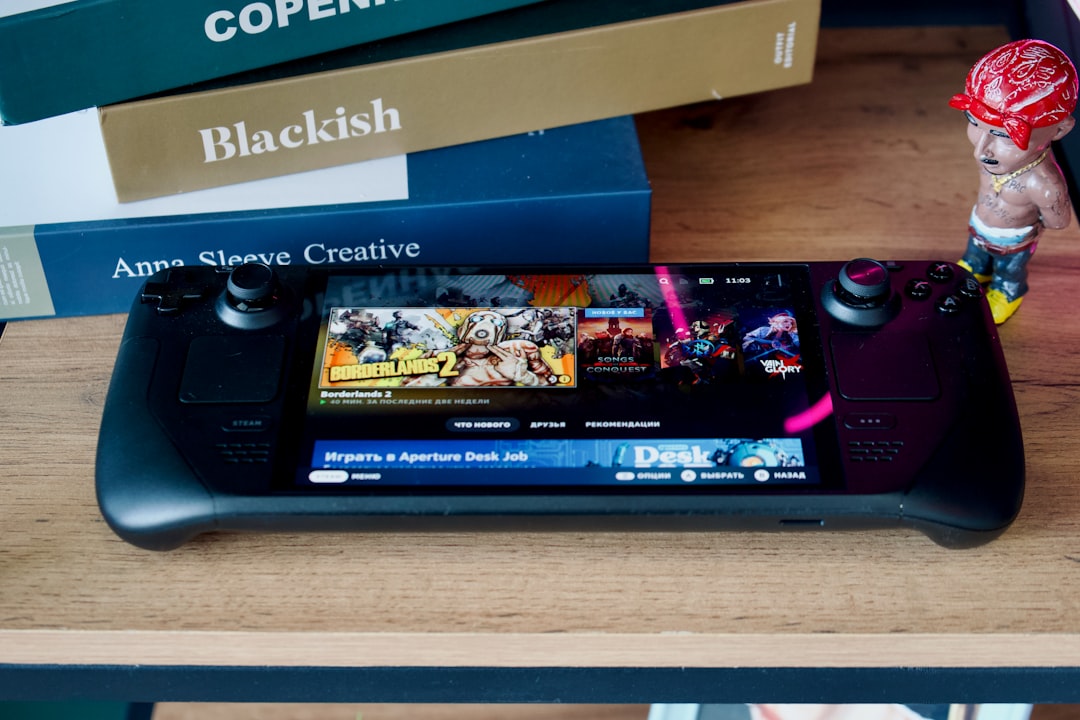
Nobara can also be installed on handhelds, but its desktop-first philosophy makes it more suited for traditional PCs.
Software Ecosystem and Compatibility
Bazzite
- Flatpak-centric
- Container-based workflows
- Minimal risk of system breakage
This ecosystem encourages clean separation between system and user software.
Nobara
- RPM-based traditional packages
- Broader compatibility with Fedora repositories
- Easier system-wide customization
For users running mod managers, custom driver builds, or advanced overlays, Nobara’s openness may feel more natural.
Community and Support
Nobara benefits from the visibility of its creator and an active gaming community. Many Linux gamers are already familiar with GloriousEggroll’s Proton GE builds, adding an element of trust.
Bazzite, while slightly newer in comparison, has gathered strong support among Fedora Atomic enthusiasts and users seeking a SteamOS alternative.
Use Case Comparison
Choose Bazzite If:
- You want a console-like experience
- You value system stability over deep customization
- You are building a living room or handheld gaming PC
Choose Nobara If:
- You want maximum gaming tweaks out of the box
- You use NVIDIA and want easy setup
- You stream, edit, or multitask beyond gaming
Final Verdict
There is no universal winner between Bazzite and Nobara—only the better choice for a specific gamer.
Bazzite excels in delivering a stable, streamlined, almost console-like environment with minimal maintenance. Its immutable design drastically reduces update-related breakage and appeals to users who want gaming to feel effortless.
Nobara stands out by aggressively optimizing Fedora for gaming. It provides more flexibility, integrates performance tweaks directly, and removes many traditional Linux pain points.
Ultimately, Bazzite is ideal for gamers who want simplicity and reliability, while Nobara is perfect for power users who want more control and built-in enhancements.
FAQ
1. Is Bazzite better than Nobara for beginners?
It depends on the beginner. Those who want a console-like experience with minimal tinkering may prefer Bazzite. Beginners who want a traditional desktop and flexibility may find Nobara easier to grow with.
2. Which distro has better performance in games?
In most cases, performance differences are small. Nobara may have slight advantages due to built-in patches and kernel tweaks, but Bazzite offers excellent stability and consistency.
3. Does Bazzite support non-Steam games?
Yes. Bazzite supports tools like Lutris and Heroic Games Launcher, though installation may rely more on Flatpaks and containers.
4. Is Nobara stable enough for daily use?
Yes. Despite its custom patches, Nobara is generally stable for both gaming and productivity tasks, though it does not use an immutable base like Bazzite.
5. Which is better for NVIDIA GPUs?
Nobara is often considered more straightforward for NVIDIA users due to simplified driver management, though Bazzite also provides solid support.
6. Can you switch from one to the other easily?
Switching requires a fresh installation. While both are Fedora-based, their system architectures differ significantly.
7. Are both distributions free?
Yes. Both Bazzite and Nobara are completely free and open-source.