
Imagine you’re working on an important project, streaming your favorite show, or in the middle of a video call—and suddenly, your internet freezes. Not just a slow buffer or a lag, but a complete network stall. While there could be everyday reasons like router issues or ISP outages, have you ever wondered: can hackers actually freeze your internet? This article explores that alarming possibility and reveals how cybercriminals might be able to disrupt or even halt your internet connection.
TLDR: Yes, hackers can potentially freeze your internet by launching sophisticated cyberattacks like DDoS attacks, exploiting vulnerabilities in your router, or invading poorly secured devices in your home network. While “freezing” your internet often doesn’t mean permanent damage, it can result in lost access, data theft, and privacy intrusion. Taking proactive security measures can prevent these types of attacks. Read on to understand how it happens and what you can do about it.
How Hackers Can Freeze Your Internet: An Overview
The internet relies on a complex set of interactions between your devices, local routers, your Internet Service Provider (ISP), and the broader internet infrastructure. When hackers aim to interfere, they look for weak points—especially in home networks and poorly secured routers. Here’s how they can potentially freeze your internet:
- DDoS Attacks (Distributed Denial of Service): Overwhelm your network with false traffic.
- Router Exploits: Take control of your router to block traffic or throttle speeds.
- Device Hijacking: Turn smart devices into malicious network tools.
- DNS Hijacking: Redirect you to malicious servers, essentially cutting off or corrupting access.
Let’s explore each of these in detail.
1. DDoS Attacks: Internet Overload by Design
A Distributed Denial of Service (DDoS) attack is one of the most common methods hackers use to disrupt internet usage. In a DDoS attack, multiple systems—often compromised themselves—flood your internet connection with fake data requests. This overload can cause your router, modem, or even your ISP’s local hub to crash or become extremely slow.
How it works:
- Hackers distribute malware to build a botnet (a network of zombie computers).
- This botnet then sends massive amounts of requests to your IP address or router.
- Your network can’t process the traffic and essentially “freezes.”
While ISPs have started incorporating DDoS protection, consumer-level routers and networks are still quite vulnerable, especially if not regularly updated.
2. Router Exploits and Misconfigurations
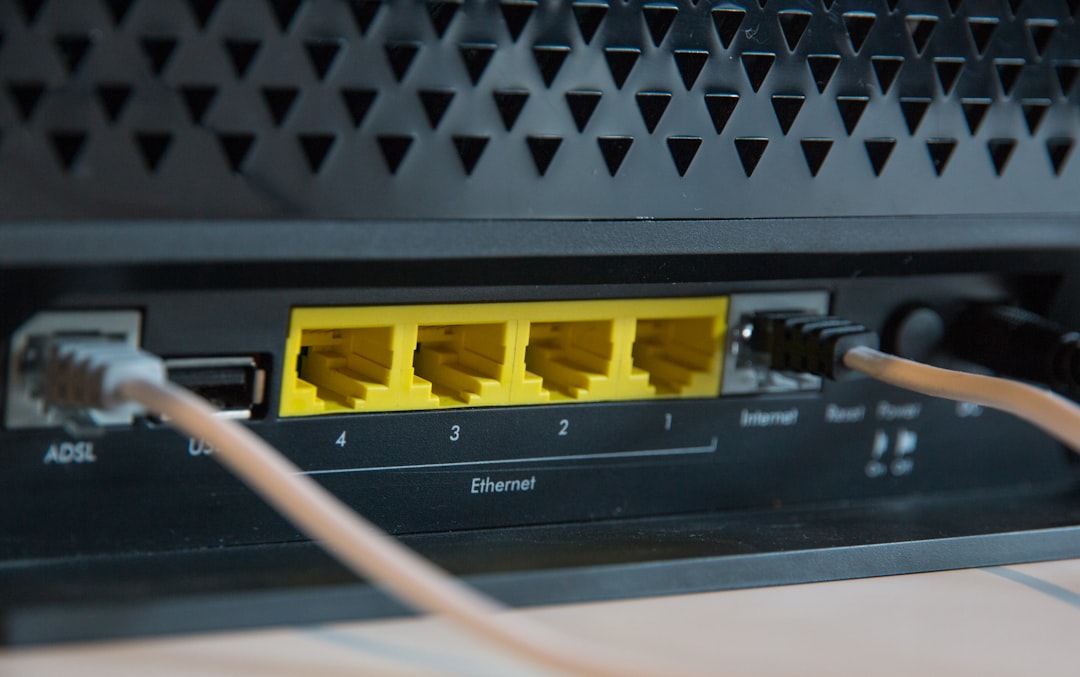
Your router is the entry point to your home network, and for hackers, it’s a prime target. Many routers come with default usernames and passwords that users never change. Once inside, an attacker can:
- Reconfigure your router’s settings to block access to certain sites or services.
- Throttle your bandwidth or intentionally misroute traffic.
- Use the router for malicious purposes, causing instability or crashes.
In effect, they can create a “frozen” state where your internet appears connected, but nothing works correctly. It’s like having a car that turns on but won’t drive.
Fix: Change default credentials, keep firmware updated, and consider using modern routers with built-in security features like firewall protection and Intrusion Detection Systems (IDS).
3. Hijacking Devices in Your Home Network
Most homes today are filled with “smart” devices—TVs, thermostats, doorbells, lights, and even refrigerators. If any one of these has weak security, it becomes a potential tool for hackers. Once in, attackers can use them as launch pads to interfere with your overall network activity.
Real-world scenario: Compromised smart bulbs communicating excessively with each other could consume enough bandwidth to freeze streaming or browsing activities.
Prevention tips:
- Segment your smart devices on a separate network (guest network, for instance).
- Keep all firmware and apps updated to their latest versions.
- Disable unnecessary remote access features.
4. DNS Hijacking: Manipulating Your Web Requests
When you type a website address into your browser, your computer sends a request to a DNS (Domain Name System) server to find the correct IP address. Hackers can intercept or hijack this process using DNS-related attacks, which can lead to:
- Redirection to malicious websites.
- Total browsing blockages.
- Internet appearing “frozen” due to corrupted routing.
In essence, your internet isn’t down—it’s been manipulated to not go where you want it to. This can feel identical to a frozen connection, especially for everyday users.
Can They Permanently Damage Your Internet?
The answer is: not directly. Hackers can’t destroy your internet connection in a physical sense, but they can make it virtually unusable for periods of time. The key risks include:
- Loss of access: Temporary shutdowns or endless reboots.
- Data compromise: Theft of personal or financial information.
- System instability: Software-level corruption or reconfiguration.
In some cases, if a hacker has installed malware or taken control of core network components, you may need to reset devices, reflash firmware, or even replace hardware to resume a secure connection.
Clues Your Internet Might Be Under Attack
Sometimes, it’s obvious that something is wrong. Other times, network anomalies might go unnoticed. Here are signs your internet freezing might not just be bad weather or an outdated modem:
- Sudden loss of connection across all devices simultaneously.
- Repeated router restarts, even when not prompted.
- Devices show as connected, but no websites load or do so very slowly.
- Unable to access router admin settings or having settings changed unexpectedly.
- Unfamiliar devices showing up in your network list.
How to Protect Yourself
Fortunately, there are clear and practical ways to secure your home network from hacker interference:
- Use strong router passwords and change them regularly.
- Enable WPA3 or WPA2 encryption on your Wi-Fi network.
- Disable WPS (Wi-Fi Protected Setup) which can be easily exploited.
- Update all firmware—including your router, modem, and smart devices.
- Install a firewall or use security-focused routers like those from ASUS or Ubiquiti.
- Use antivirus software on all devices for active threat monitoring.
- Consider a VPN for an additional layer of encryption and IP masking.
Conclusion: Knowledge is the Best Defense
While the idea of someone freezing your internet might sound like something out of a spy movie, it’s a very real threat in today’s interconnected world. Hackers don’t always need to steal your information; sometimes, simply disrupting your access by freezing your network is effective enough, especially if it leads to anxiety, financial loss, or exposure.
Staying educated about how these attacks occur—and the signs to look for—is half the battle. The rest comes down to implementing solid network hygiene and using the tools available to fortify your digital defenses.
Because as with most things in cybersecurity, the best kind of attack is the one that never succeeds in the first place.