

In the digital age, accessibility is not just an option—it’s a responsibility. For small businesses, ensuring that everyone can navigate their websites regardless of disability or impairments is not only a moral imperative but also a smart business move. However, many struggle with the technical complexities required to make their websites screen reader-friendly, especially when built on platforms like WordPress. This is where UserWay enters the picture as a crucial tool for accessibility transformation.
TLDR (Too Long, Didn’t Read)
Many small businesses operating WordPress sites face challenges with screen reader compatibility, making their content inaccessible to users with visual impairments. UserWay offers an accessible plugin and AI-powered solutions that detect and correct accessibility issues without requiring major code overhauls. With easy integration, robust compliance, and instant improvements in user experience, UserWay has become the go-to choice for fixing broken screen reader compatibility. As a result, small businesses can now confidently open their digital doors to every user.
Why Accessibility Matters
According to the World Health Organization, over 1 billion people live with some form of disability. Many of them rely on screen readers to access information online. When a website fails to accommodate these users, it not only alienates a significant audience but may also face legal risks under accessibility regulations like the Americans with Disabilities Act (ADA).
For small businesses, breaking down these digital barriers can be daunting. Developers are expensive, plugins often fall short of full compliance, and monitoring accessibility errors is a continuous effort. WordPress, while flexible and user-friendly, doesn’t always offer built-in accessibility features optimized for screen readers.
The Problem: Broken Screen Reader Compatibility
Many of the issues small businesses encountered were subtle but impactful:
- Incorrect or missing ALT text on images
- Improper ARIA (Accessible Rich Internet Applications) labels
- Misaligned headings and inaccessible navigation structures
- Sequence issues in HTML code disrupting screen reader logic flow
These seemingly minor defects result in confusing or unusable websites for people relying on screen readers. Many business owners didn’t even realize they had a problem—until they received complaints from users or faced lawsuits.
UserWay: A Reliable Accessibility Solution
UserWay offers a cloud-based accessibility solution that integrates seamlessly with WordPress. Their plugin is supported by AI-driven diagnostics that audit code in real time and automatically remedy common accessibility issues. Small businesses using the plugin benefit from:
- Real-time Compliance Monitoring: Keeps websites ADA & WCAG 2.1 compliant.
- Screen Reader Enhancements: Provides ARIA improvements, logical tab order corrections, and better content interpretation flows.
- Simple Installation: With just a few clicks, businesses can embed the plugin via WordPress without needing extensive developer support.
- Detailed Accessibility Reports: Regular diagnostics allow ongoing improvements and issue tracking.
UserWay’s AI doesn’t stop at addressing initial code issues—it continually adapts to fresh content and user behaviors, ensuring a sustainable and future-proofed approach to screen reader accessibility.

Case Study: Mocha Lane Boutique
Mocha Lane Boutique, a small fashion retailer based in Ohio, struggled with accessibility. Several customers wrote in, expressing frustration that the website’s product listings were unreadable using screen readers. This not only embarrassed the owner, Amanda Ruiz, but also led to decreased trust and conversions.
After some research, Amanda installed UserWay’s widget on her WordPress-powered site. Within hours, the automated AI corrected a majority of the screen reader issues by implementing proper ALT text, renaming ambiguous page elements, and fixing navigation labels. Subsequently, screen reader users experienced an immediate improvement in usability, reflected in longer session durations and increased engagement.
“I didn’t realize how many people I was excluding until I saw the accessibility dashboard,” says Amanda. “UserWay made the fixes I didn’t know I needed within a day.”
How UserWay Works with WordPress
The implementation process is designed to be user-friendly and highly efficient:
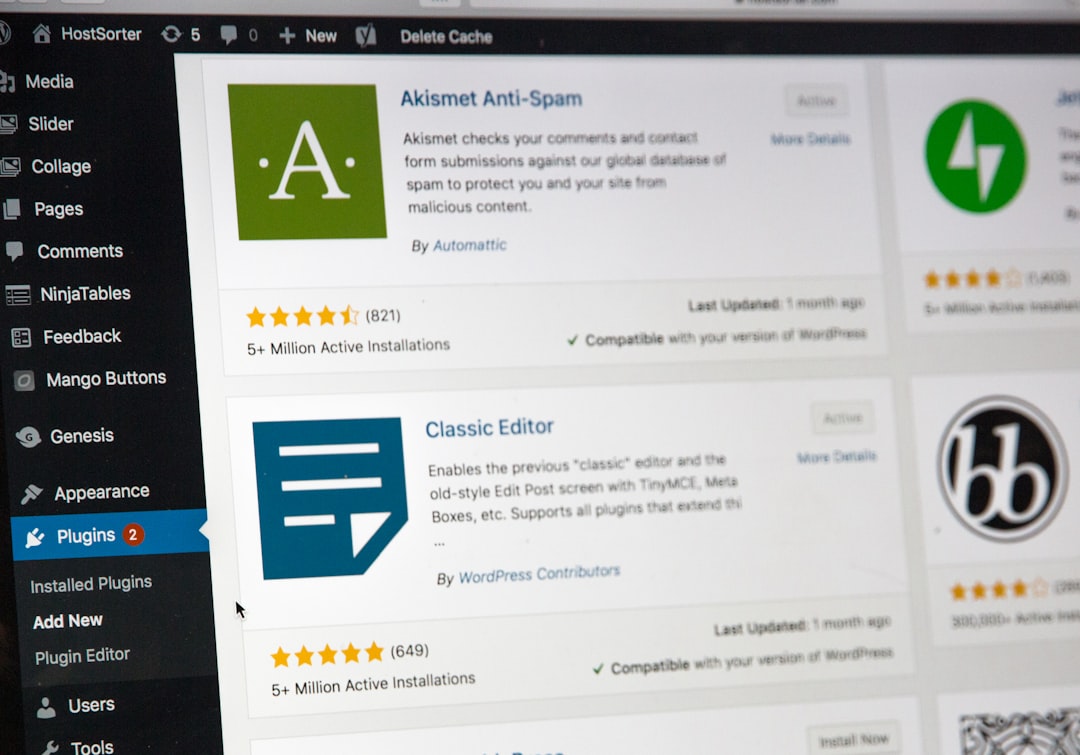
- Install the official UserWay Accessibility Widget plugin from the WordPress repository.
- Activate the plugin and follow prompts to connect your site with UserWay’s back-end platform.
- Customize accessibility settings such as contrast levels, font sizes, and navigation prompts.
- The AI begins scanning your content and fixing real-time deviations or compliance errors.
The system provides a monthly compliance report so business owners can track accessibility progress without hiring separate auditors or consultants.
The Legal Side of Accessibility
There has been a marked increase in ADA-related lawsuits targeting non-compliant websites in the United States, and many small businesses are unknowingly at risk. The Department of Justice has clarified that websites must offer equal access to all users. UserWay helps bridge this gap by generating audit trails and compliance badges to demonstrate proactive efforts toward inclusivity.
In addition to regulatory compliance, being accessible often improves SEO, customer satisfaction, and overall digital brand equity. Google factors in usability and accessibility as soft ranking signals, meaning that investing in tools like UserWay can also yield SEO dividends.
Beyond Compliance: Enhancing the User Experience
UserWay’s plugin doesn’t just make websites legally compliant—it improves the browsing experience for all users. Its features include:
- Keyboard-only navigation support for mobility-impaired users
- Dynamic content labeling for easier screen reader interpretation
- Contrast toggles and text resizing tools for those with low vision
These inclusions result in more intuitive navigation, lower bounce rates, and a higher likelihood of converting first-time visitors into long-term customers. For small businesses, this competitive edge is invaluable.
Challenges Faced and Overcome
While most installations are seamless, some users initially face problems with:
- Plugin conflicts with older WordPress themes or third-party builders
- Understanding the compliance requirements in-depth
- Customizing the widget without programming skills
To address these pain points, UserWay provides extensive support, including:
- 24/7 customer assistance with live chat and support tickets
- Step-by-step user guides directly accessible from the admin dashboard
- Video tutorials and community forums for collaborative learning
This comprehensive support ecosystem ensures that small business owners aren’t left in the dark when solving accessibility issues.
The Measurable Impact
Since adopting UserWay, small businesses have reported:
- Up to 35% increase in retention from users relying on screen readers
- Significant drop in accessibility-related customer complaints
- Improved trust scores on platforms that rate digital inclusivity
These metrics don’t just reflect compliance—they underscore a genuine improvement in how a business interfaces with its entire audience.
Future-Proofing Web Accessibility
UserWay frequently updates its algorithms to meet evolving accessibility standards like WCAG 2.2 and the forthcoming WCAG 3.0. For small business owners with limited technical resources, this continuous update model is reassuring. They can be sure that their website won’t fall behind on crucial compliance improvements.
Moreover, UserWay’s proactive notifications inform users when a new issue is detected due to an updated theme, added content, or third-party plugin conflict—ensuring long-term integrity.
Conclusion: A Small Step with a Big Impact
Fixing screen reader compatibility is more than a technical upgrade—it’s a statement of inclusivity, care, and business maturity. For small businesses on WordPress, UserWay offers a robust, affordable, and scalable solution to make that goal a reality.
Whether you’re just starting your accessibility journey or in the middle of an overhaul, investing in a tool like UserWay can transform not just your site’s functionality, but its role in the wider digital community. In an era where accessibility is becoming the norm, staying ahead isn’t just good ethics—it’s smart business.