
AI image generators have moved from novelty tools to practical creative assistants for people who need strong visuals but do not have advanced design skills. A small business owner, blogger, teacher, social media manager, or startup team can now produce polished images from simple text prompts, often in minutes. While these platforms do not replace professional designers for every project, they make visual creation more accessible, faster, and more affordable.
TLDR: AI image generators help non-designers create illustrations, product concepts, social media graphics, and marketing visuals using written prompts. The five tools covered here are Midjourney, DALL E 3, Adobe Firefly, Leonardo AI, and Canva AI Image Generator. Each platform has different strengths, from artistic quality to commercial safety, editing convenience, and beginner-friendly templates. The best choice depends on whether the user needs realism, speed, brand-safe assets, or easy integration into everyday content creation.
Why AI Image Generators Matter for Non-Designers
For years, creating high-quality visuals required technical knowledge, expensive software, or the budget to hire a designer. AI image generators have changed that workflow by allowing users to describe an image in plain language. A prompt such as “a cozy coffee shop interior with warm lighting, plants, and modern furniture” can become a usable concept image within seconds.
This shift is especially valuable for creators who need a constant supply of visual content. Blog headers, digital ads, presentation slides, book covers, inspiration boards, thumbnails, and social posts all require imagery. Instead of beginning with a blank canvas, users can begin with an AI-generated draft and refine it until it fits the required style.
However, not every platform is suited to the same task. Some tools excel at cinematic art, while others are better for quick marketing graphics or brand-safe commercial assets. The following five AI image generators stand out because they offer useful features for people who want stunning visuals without needing traditional design expertise.
1. Midjourney: Best for Dramatic and Artistic Visuals
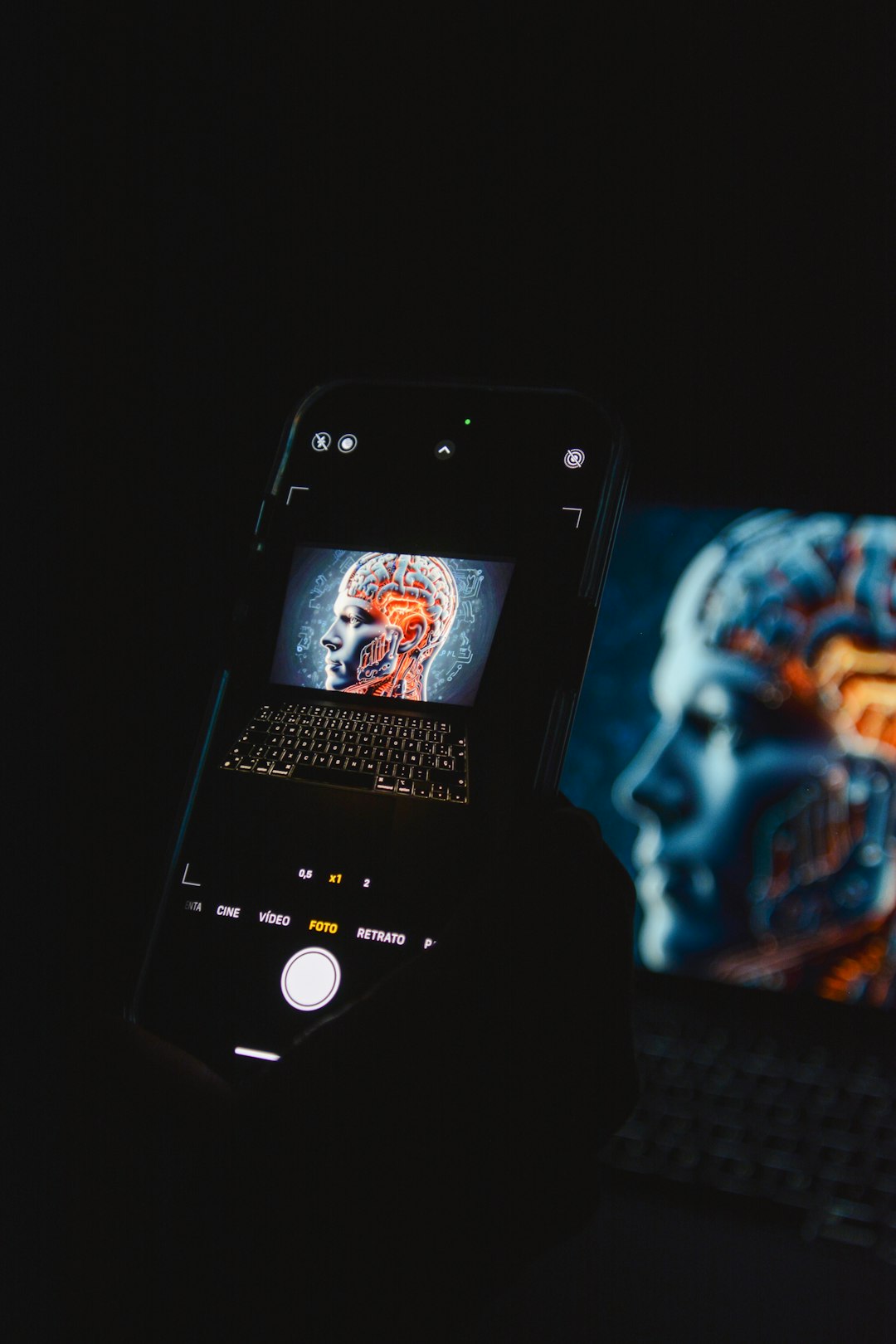
Midjourney is widely known for producing visually rich, imaginative, and highly stylized images. Its results often have a polished, cinematic quality, making it a favorite among artists, authors, concept creators, and marketers who want visuals with atmosphere and emotional impact.
One of Midjourney’s biggest strengths is its ability to interpret mood and style. Prompts that include phrases such as “dreamlike lighting,” “editorial fashion photography,” “fantasy landscape,” or “minimal luxury product shot” can produce striking results. Even users with little design vocabulary can experiment with descriptive words and quickly learn what works.
Best uses include:
- Concept art for games, books, and creative projects
- Atmospheric website hero images
- Album covers, posters, and editorial-style visuals
- Luxury product mockups and inspirational brand imagery
Midjourney is not always the simplest option for complete beginners because its workflow can feel different from standard web design tools. It is also less focused on template-based editing. Still, for users who want images that look unique, artistic, and visually impressive, it remains one of the strongest choices available.
2. DALL E 3: Best for Easy Prompting and Practical Results
DALL E 3, developed by OpenAI, is popular because it understands natural language prompts extremely well. The user does not need to write complex technical instructions to get a coherent image. Instead, the system can follow detailed descriptions, interpret relationships between objects, and create images that match the requested scene with impressive accuracy.
This makes DALL E 3 particularly helpful for people who do not consider themselves creative professionals. A business owner can describe a product scene, a teacher can request an educational illustration, and a blogger can generate a custom image for an article. The tool is especially useful when the desired image has a clear subject, composition, and purpose.
Key advantages include:
- Strong language understanding: It follows detailed prompts well.
- Beginner-friendly use: It works smoothly for people who prefer conversational instructions.
- Useful image variety: It can create illustrations, realistic scenes, diagrams, and character concepts.
- Good revision workflow: Users can refine outputs by explaining what should change.
DALL E 3 is a strong all-rounder. It may not always create the same painterly drama as Midjourney, but it performs very well when the user needs a clear, usable visual based on a specific idea. It is especially effective for practical content creation where accuracy matters as much as style.
3. Adobe Firefly: Best for Commercially Conscious Creative Work
Adobe Firefly is designed for creators who want powerful AI image generation with an emphasis on usability and commercial awareness. Adobe has positioned Firefly as a tool that fits into professional creative workflows, especially for users already familiar with Adobe products.
One major appeal is Firefly’s focus on commercially safe content generation. While users should still review licensing terms and usage rules, Firefly is built with business creators in mind. This makes it attractive for marketing teams, freelancers, and organizations that want more confidence when using AI-generated assets in campaigns or branded materials.
Firefly offers features beyond simple text-to-image generation. Depending on the available tools and plan, users may be able to apply generative fills, adjust image elements, create text effects, and expand compositions. These features are helpful for non-designers because they allow image improvement without requiring advanced photo-editing skills.

Adobe Firefly works well for:
- Marketing assets and campaign concepts
- Social media graphics with a polished look
- Image editing, background generation, and object replacement
- Creative teams that need a more structured visual workflow
Firefly is not only about generating a full image from scratch. Its strongest value often comes from helping users adjust and complete existing visuals. For someone who has a good base image but needs a better background, expanded layout, or new variation, Firefly can be extremely useful.
4. Leonardo AI: Best for Custom Styles and Creative Control
Leonardo AI is a versatile AI image platform that appeals to creators who want more control over image style, consistency, and production. It is especially popular among game designers, concept artists, product creators, and users who need repeatable visual styles across multiple images.
Although the platform offers advanced capabilities, it remains approachable enough for motivated beginners. Users can create images from prompts, choose different models or styles, and experiment with settings that influence the final look. This balance between accessibility and depth makes Leonardo AI a strong option for people who want to grow beyond basic prompting.
Notable strengths include:
- Style flexibility: It can produce fantasy art, realistic portraits, product concepts, game assets, and more.
- Image consistency: It is useful for projects that require a similar visual language across many images.
- Creative settings: Users can explore options that influence detail, style, and composition.
- Asset generation: It is helpful for characters, environments, props, and visual development.
Leonardo AI is a good fit for users who are willing to experiment. It may require slightly more learning than the simplest tools, but that learning can pay off through more predictable and customized results. For creators who want to move from casual image generation toward a more controlled creative process, it is a compelling choice.
5. Canva AI Image Generator: Best for Quick Designs and Everyday Content
Canva AI Image Generator is ideal for users who want AI-generated images inside a simple design environment. Canva is already popular among non-designers because it provides templates for social posts, flyers, presentations, banners, invitations, and business materials. Its AI image features fit naturally into that workflow.
The main advantage is convenience. A user can generate an image, place it into a template, add text, apply brand colors, resize the design, and export it for different platforms. This makes Canva especially useful for social media managers, small businesses, educators, and content creators who need finished graphics rather than standalone AI art.
Canva is especially helpful for:
- Instagram posts, stories, and reels covers
- Presentation backgrounds and slide visuals
- Blog graphics and simple promotional materials
- Event flyers, posters, and digital announcements
While Canva may not always match the artistic depth of Midjourney or the advanced creative control of Leonardo AI, it is one of the easiest ways to turn an AI-generated image into a complete design. For non-designers, that final step is often what matters most.
How to Choose the Right AI Image Generator
The best AI image generator depends on the user’s goal. Someone creating a fantasy book cover may prefer Midjourney or Leonardo AI, while someone making a quick promotional flyer may prefer Canva. A marketing team concerned with commercial workflows may lean toward Adobe Firefly, and a beginner who wants simple prompt-based results may find DALL E 3 easiest to use.
A simple decision guide:
- Choose Midjourney for artistic, cinematic, and highly stylized visuals.
- Choose DALL E 3 for clear prompt understanding and practical image creation.
- Choose Adobe Firefly for commercial-minded creative work and image editing support.
- Choose Leonardo AI for custom styles, asset creation, and greater visual control.
- Choose Canva AI Image Generator for fast, template-based designs and social content.
Tips for Getting Better Results Without Design Skills
Even the best AI image generator depends on the quality of the prompt. Non-designers can improve results by describing the subject, style, lighting, colors, mood, and purpose of the image. Instead of writing “a dog,” a stronger prompt would be “a cheerful golden retriever sitting in a sunny kitchen, soft natural light, realistic photography style.”
It also helps to generate several versions before choosing one. AI image creation is often an iterative process. The first result may be close, but small prompt adjustments can improve the composition, remove distractions, or make the style more suitable for the intended use.
Useful prompt details include:
- The main subject and background
- The visual style, such as realistic, watercolor, 3D, editorial, or minimal
- The format, such as square, portrait, landscape, poster, or banner
- The mood, such as calm, energetic, futuristic, elegant, or playful
- The lighting, such as golden hour, studio lighting, neon glow, or soft daylight
Final Thoughts
AI image generators have made visual creation far more accessible to people without formal design training. They allow users to test ideas quickly, create custom visuals, and reduce dependence on generic stock images. Although design judgment still matters, these tools provide a strong starting point and can dramatically speed up the creative process.
For stunning, artistic visuals, Midjourney is difficult to ignore. For simple and accurate prompt following, DALL E 3 is a strong choice. Adobe Firefly supports business-friendly creative workflows, Leonardo AI offers deeper customization, and Canva makes it easy to turn generated images into finished designs. Together, these tools give non-designers more creative power than ever before.
FAQ
Can AI image generators be used without design experience?
Yes. Most AI image generators are built around text prompts, so users can describe what they want instead of manually designing it. Tools such as DALL E 3 and Canva are especially approachable for beginners.
Which AI image generator is best for social media graphics?
Canva AI Image Generator is often the best choice for social media because it combines image generation with ready-made templates, text tools, resizing features, and export options.
Which tool creates the most artistic images?
Midjourney is widely praised for artistic, cinematic, and visually dramatic results. It is a strong option for posters, concept art, fantasy scenes, and editorial-style images.
Are AI-generated images safe for commercial use?
Commercial use depends on the platform’s terms, the subscription plan, and the type of content generated. Users should always review licensing rules before using AI-generated images in ads, products, or client work. Adobe Firefly is often considered by businesses because of its commercial-focused positioning.
How can users make AI images look better?
Better results usually come from more specific prompts. Describing the subject, background, style, lighting, color palette, and mood gives the AI more direction. Generating multiple versions and refining the prompt also improves the final result.
Do AI image generators replace graphic designers?
They do not fully replace professional designers. AI tools are excellent for quick visuals, drafts, concepts, and simple marketing assets, but designers still provide strategy, originality, layout expertise, brand consistency, and refined creative judgment.