
The Nintendo Switch is widely known as a versatile gaming console, but many users wonder whether it can double as a portable entertainment device for streaming videos. Among the most frequently asked questions is whether YouTube can be watched on the Nintendo Switch, and if so, how it works and what limitations exist. While the Switch was designed primarily for gaming, it does offer limited multimedia functionality, including support for YouTube.
TLDR: Yes, YouTube is available on the Nintendo Switch through a dedicated app on the Nintendo eShop. Setup is simple and requires downloading the app and signing into a Google account. However, the experience has limitations, including no background playback, limited multitasking, and availability restrictions in some regions. While functional, it does not fully replace a smartphone, tablet, or smart TV for streaming.
Is YouTube Available on Nintendo Switch?
Yes, YouTube is officially available on the Nintendo Switch. The app was released on the Nintendo eShop in November 2018 and has remained accessible since. It allows users to stream videos in handheld mode, tabletop mode, or when the console is docked and connected to a TV.
However, it is important to understand that the Nintendo Switch does not offer a wide variety of streaming platforms compared to other consoles like PlayStation or Xbox. YouTube is one of the few major video apps available in most regions.
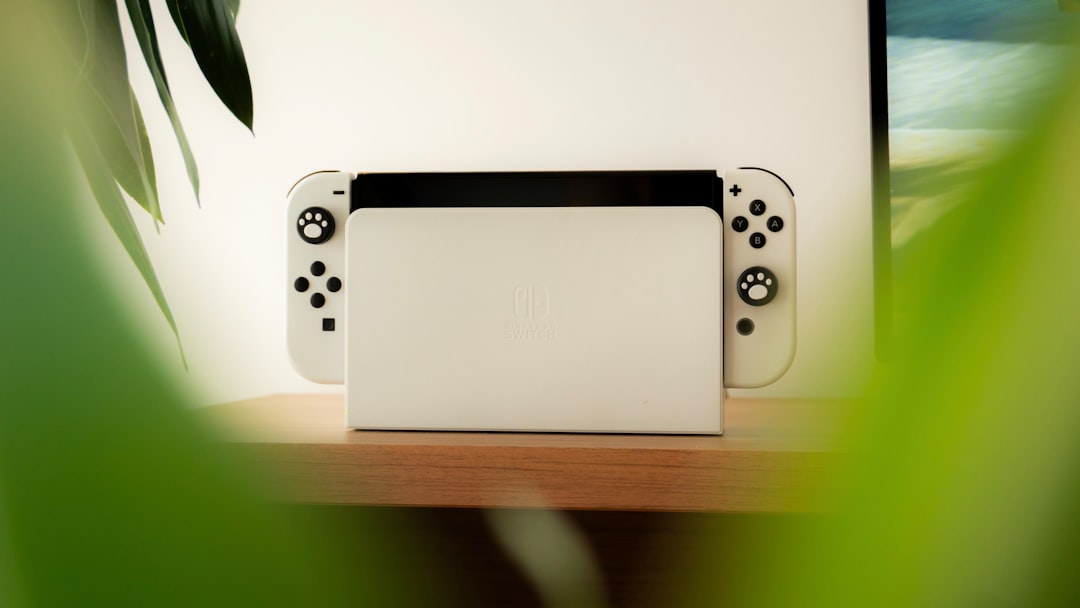
How to Download and Set Up YouTube on Nintendo Switch
Setting up YouTube on the Nintendo Switch is straightforward. Users only need an internet connection and access to the Nintendo eShop.
Step-by-Step Setup Process:
- Turn on the Nintendo Switch and connect to WiFi.
- Open the Nintendo eShop from the home screen.
- Search for YouTube in the search bar.
- Select the official YouTube app and choose Download.
- Once installed, open the app from the home menu.
- Sign in with a Google account (optional but recommended for subscriptions and playlists).
The app is free to download and does not require a Nintendo Switch Online subscription. However, a stable internet connection is necessary for smooth streaming.
Features of YouTube on Nintendo Switch
While functional, the YouTube app on the Switch offers a somewhat simplified experience compared to smart TVs or mobile devices.
- Video playback up to 1080p when docked (depending on content and connection).
- Touchscreen controls in handheld mode.
- Joy-Con and Pro Controller support for navigation.
- Access to subscriptions and playlists when logged in.
- Search functionality using an on-screen keyboard.
It supports both standard and HD content, with resolution automatically adjusting based on connection speed.
Modes of Watching YouTube
One advantage of using YouTube on the Switch is flexibility in viewing modes:
1. Handheld Mode
Users can hold the console like a tablet and navigate using touchscreen controls. This mode is ideal for personal viewing.
2. Tabletop Mode
With the kickstand extended, the Switch can stand on a flat surface while users watch with detached Joy-Cons.
3. TV Mode
Docking the console allows streaming on a larger screen. This setup resembles a smart TV experience.
Limitations of YouTube on Nintendo Switch
Despite its usefulness, the YouTube app on Nintendo Switch comes with several important limitations.
No Background Playback
Unlike smartphones, the Switch does not allow videos to play in the background while using other apps or browsing menus. Once users exit the app, playback stops immediately.
No Multitasking
The console does not support multitasking between YouTube and games. Users cannot watch videos while playing.
Limited Streaming Services
The Switch does not offer the wide range of apps found on other consoles. YouTube is one of the very few major platforms supported in many regions.
No Camera Uploads or Content Creation
Content creation features are not available. Users cannot upload videos directly from the Switch.
Regional Availability
In some countries, the YouTube app may not appear in the eShop.
Performance and Streaming Quality
Performance largely depends on internet speed and whether the console is docked or in handheld mode.
- Docked Mode: Up to 1080p resolution.
- Handheld Mode: Typically capped at 720p due to screen resolution.
- Stable WiFi: Required for HD streaming without buffering.
Battery consumption in handheld mode can be significant during extended streaming sessions. Watching YouTube for several hours can noticeably drain the battery.
Comparison: Nintendo Switch vs Other Devices for YouTube
| Feature | Nintendo Switch | Smartphone | Smart TV | PlayStation/Xbox |
|---|---|---|---|---|
| Max Resolution | 1080p (docked) | Up to 4K (device dependent) | Up to 4K | Up to 4K |
| Background Play | No | Yes (Premium) | Not Applicable | No |
| Multitasking | No | Yes | Limited | Limited |
| Portability | High | Very High | None | Low |
| Other Streaming Apps | Very Limited | Extensive | Extensive | Extensive |
This comparison shows that while the Switch can stream YouTube effectively, it is not designed to replace dedicated streaming devices.
Is It Worth Using Nintendo Switch for YouTube?
For users who already own a Switch and want occasional access to YouTube on a TV or in portable mode, the app works well. It is especially convenient for:
- Watching gaming walkthroughs.
- Streaming music videos.
- Viewing tutorials related to games.
- Travel situations where a larger screen than a phone is preferred.
However, those who frequently consume online video may find smartphones, tablets, or smart TVs more feature-rich and convenient.
Common Troubleshooting Tips
If YouTube is not working properly on the Nintendo Switch, several solutions may help:
- Restart the console.
- Check WiFi connection strength.
- Update the system software.
- Reinstall the YouTube app.
- Verify regional eShop access.
Most issues are related to connectivity rather than hardware limitations.
Future Possibilities
Many users have speculated about expanded multimedia options for the Nintendo Switch or its successor consoles. While Nintendo traditionally focuses on gaming over media streaming, future updates or hardware versions could potentially improve app performance, expand streaming libraries, or introduce better multitasking features.
For now, YouTube remains a simple but functional addition to the console’s capabilities.
Frequently Asked Questions (FAQ)
1. Is YouTube free on Nintendo Switch?
Yes, the YouTube app is completely free to download from the Nintendo eShop. However, YouTube Premium features require a paid subscription.
2. Do you need Nintendo Switch Online to watch YouTube?
No, a Nintendo Switch Online subscription is not required to use the YouTube app.
3. Can you watch YouTube in 4K on Nintendo Switch?
No, the maximum resolution supported is 1080p in docked mode. The Switch hardware does not support 4K video playback.
4. Can you use YouTube while playing a game?
No, the Switch does not support multitasking. Users must fully close a game to open the YouTube app.
5. Is YouTube available on Nintendo Switch Lite?
Yes, it works the same way as on the standard Switch, but only in handheld mode since the Lite cannot dock to a TV.
6. Why can’t I find YouTube in the eShop?
The app may not be available in certain regions. Changing the account region settings might resolve this issue.
7. Does YouTube support touch controls on the Switch?
Yes, in handheld mode, users can navigate using the touchscreen.
In conclusion, while the Nintendo Switch is primarily a gaming console, it does allow users to watch YouTube with relative ease. The setup is simple, the functionality is reliable, and the portability adds convenience. However, limitations such as lack of multitasking, no background playback, and restricted streaming options mean it serves best as a secondary viewing device rather than a primary media hub.