

Modern software systems are becoming increasingly complex, distributed, and dynamic. As a result, traditional debugging methods—relying heavily on manual log reviews and reactive troubleshooting—are no longer sufficient for many organizations. AI debugging software for real-time troubleshooting is emerging as a transformative solution, enabling teams to detect, diagnose, and resolve issues faster than ever before.
TLDR: AI debugging software uses machine learning and intelligent automation to detect and resolve software issues in real time. It continuously monitors system behavior, identifies anomalies, and suggests or implements fixes with minimal human intervention. This significantly reduces downtime, improves system reliability, and accelerates development cycles. Organizations adopting AI-powered debugging tools gain faster root cause analysis and proactive issue prevention.
By leveraging artificial intelligence, machine learning, and advanced analytics, these systems provide deeper visibility into application behavior and infrastructure performance. Instead of waiting for users to report problems, AI-driven tools continuously analyze patterns and flag potential issues before they escalate.
The Evolution of Debugging: From Reactive to Intelligent
Debugging has traditionally been a manual and time-consuming process. Developers would replicate bugs, analyze logs, add breakpoints, and iteratively test changes. While effective in smaller environments, this approach struggles in modern architectures involving:
- Microservices and distributed systems
- Cloud-native applications
- Continuous integration and deployment pipelines
- High traffic and global user bases
With multiple components interacting in real time, pinpointing the root cause of a failure can take hours or even days. AI debugging software transforms this workflow by applying:
- Pattern recognition to detect anomalies
- Predictive analytics to forecast potential failures
- Automated root cause analysis to narrow down issues
- Self-healing mechanisms to apply fixes automatically
This shift marks a move from reactive debugging to proactive and predictive troubleshooting.
How AI Debugging Software Works
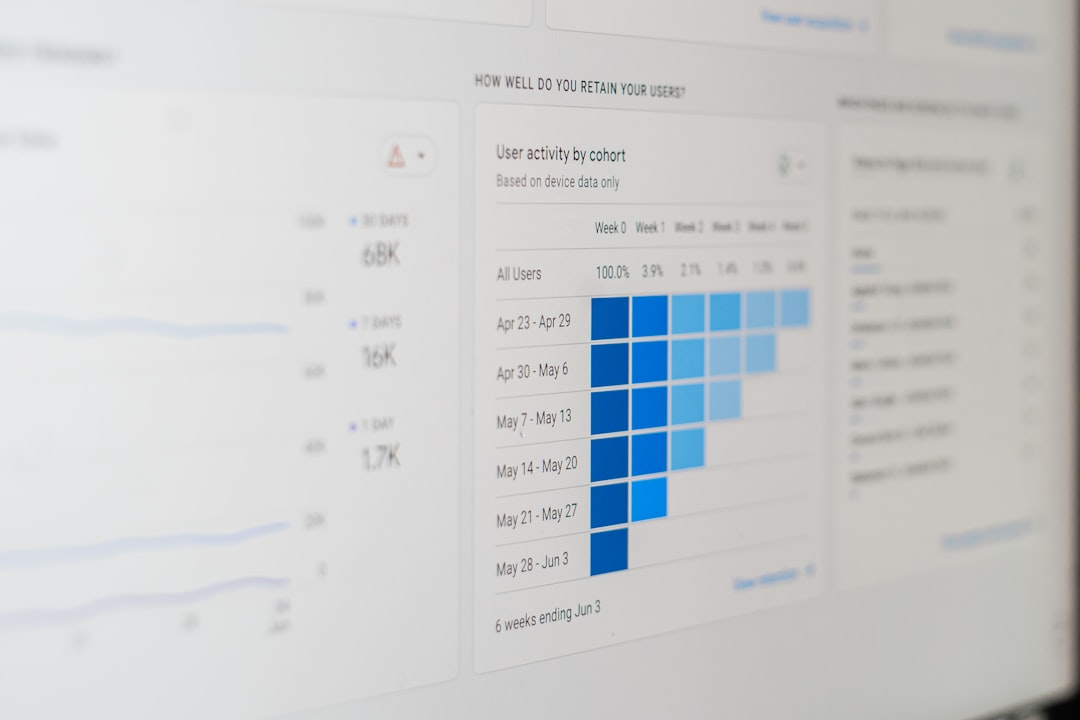
At its core, AI debugging software ingests massive amounts of operational data, including logs, metrics, traces, error messages, and user interaction patterns. It then applies machine learning algorithms to identify irregularities.
Real-Time Monitoring
The system continuously observes application performance and compares current behavior against learned baselines. If CPU usage spikes unexpectedly or response times degrade, the AI detects the deviation instantly.
Anomaly Detection
Instead of relying solely on predefined thresholds, AI models learn what “normal” looks like for a specific application. This allows them to identify subtle anomalies that traditional monitoring tools might miss.
Root Cause Analysis
One of the most powerful capabilities of AI debugging tools is automated root cause identification. By correlating events across systems, the AI narrows the potential sources of a problem and ranks them by likelihood.
Automated Remediation
Some advanced platforms can implement corrective actions, such as restarting services, reallocating resources, or rolling back faulty updates, without human intervention.
Key Benefits of AI-Powered Real-Time Troubleshooting
1. Reduced Downtime
Because AI systems operate continuously and analyze data instantly, they can detect and resolve issues before they impact end-users. This dramatically reduces unplanned outages.
2. Faster Incident Response
With detailed root cause insights provided automatically, development and operations teams can focus on resolution rather than investigation.
3. Improved Developer Productivity
By eliminating repetitive debugging tasks, developers can allocate more time to innovation and feature development.
4. Proactive Prevention
AI systems recognize emerging patterns that signal potential failures. This predictive capability enables teams to fix vulnerabilities before they become critical incidents.
5. Scalability
As systems grow in complexity, AI tools scale effortlessly. Their performance improves over time as they process more data.
Use Cases Across Industries
AI debugging software is particularly valuable in industries that rely on always-on services and real-time interactions.
E-Commerce Platforms
For online retailers, even seconds of downtime during peak shopping hours can result in significant revenue loss. AI debugging tools help maintain availability and performance during high-traffic events.
Financial Services
Banking and trading systems require ultra-low latency and high resilience. AI-powered monitoring ensures quick detection of anomalies that could lead to transactional errors or compliance risks.
Healthcare Systems
Hospitals and telehealth platforms depend on seamless digital infrastructure. Real-time AI troubleshooting helps prevent disruptions that could compromise patient care.
SaaS Providers
Software-as-a-Service companies use AI debugging to maintain consistent service-level agreements while supporting large, distributed user bases.
Integration with DevOps and CI/CD Pipelines
AI debugging software aligns naturally with DevOps principles. Continuous integration and deployment demand rapid feedback loops, and AI tools provide insights almost instantly.
Within CI/CD pipelines, AI can:
- Detect faulty builds before deployment
- Analyze crash reports automatically
- Monitor performance regressions in staging environments
- Recommend code-level improvements
When integrated effectively, AI troubleshooting becomes part of the development lifecycle rather than an afterthought.
Challenges and Limitations
Despite its advantages, AI debugging software is not without challenges.
Data Quality
AI models are only as effective as the data they receive. Incomplete logs or inconsistent monitoring can weaken predictive accuracy.
Initial Learning Curve
Machine learning systems require time to establish baselines. During the initial setup phase, anomaly detection may produce false positives.
Complex Implementation
Integrating AI debugging tools into legacy environments can be technically demanding. Organizations may need to standardize monitoring practices first.
Trust and Transparency
Some teams may hesitate to allow automated remediation without human oversight. Understanding how AI models make decisions is crucial for building trust.
The Role of Explainable AI in Debugging
To address concerns surrounding transparency, many modern AI debugging platforms incorporate explainable AI techniques. These features clarify why a system flagged a specific anomaly or recommended a particular action.
For instance, instead of simply alerting engineers to a latency issue, the system might provide a breakdown such as:
- Database query execution time increased by 40%
- Memory utilization exceeded baseline by 25%
- A recent deployment modified a related microservice
This contextual insight enables teams to make informed decisions quickly and confidently.
Self-Healing Systems and the Future of Autonomous IT
The next frontier in AI debugging is fully autonomous infrastructure. In this scenario, systems detect, diagnose, and resolve issues independently.
Image not found in postmetaExamples of self-healing capabilities include:
- Auto-scaling compute resources during unexpected traffic spikes
- Automatically rolling back faulty software versions
- Reconfiguring network paths after a failure
- Applying security patches when vulnerabilities are detected
While full autonomy remains a developing concept, partial automation is already common. As AI models become more accurate and robust, the level of autonomy will continue to increase.
Best Practices for Implementing AI Debugging Tools
Organizations seeking to adopt AI-driven troubleshooting should consider the following best practices:
- Establish comprehensive observability by collecting logs, metrics, and traces consistently.
- Start with a controlled rollout to allow AI models to learn system behavior.
- Combine automation with human oversight in the early stages.
- Continuously refine monitoring strategies based on insights gained.
- Ensure security and compliance requirements are met when analyzing sensitive data.
When implemented thoughtfully, AI debugging tools become a strategic asset rather than just another monitoring layer.
Conclusion
AI debugging software for real-time troubleshooting represents a significant shift in how organizations manage software reliability. By harnessing machine learning, anomaly detection, and automated remediation, these tools empower teams to move from reactive firefighting to proactive optimization.
As digital ecosystems grow more intricate, intelligent debugging systems will become essential. They not only minimize downtime and improve performance but also enhance developer productivity and operational resilience. In the era of continuous delivery and always-on services, AI-driven troubleshooting is quickly becoming a foundational component of modern IT strategy.
Frequently Asked Questions (FAQ)
1. What is AI debugging software?
AI debugging software uses artificial intelligence and machine learning to detect, analyze, and resolve software issues in real time by examining logs, metrics, and system behavior.
2. How is AI debugging different from traditional monitoring tools?
Traditional monitoring relies on predefined thresholds and manual analysis. AI debugging tools learn system behavior patterns, detect anomalies automatically, and often provide root cause analysis and remediation suggestions.
3. Can AI debugging tools fix problems automatically?
Some advanced systems include automated remediation features, allowing them to restart services, scale resources, or roll back changes without human intervention.
4. Are AI debugging solutions suitable for small teams?
Yes. Small teams can benefit significantly because AI tools reduce manual troubleshooting workload and accelerate problem resolution.
5. What are the main challenges of implementing AI debugging software?
Common challenges include ensuring high-quality data collection, managing false positives during initial training, integrating with legacy systems, and building trust in automated decisions.
6. Is AI debugging secure for sensitive industries?
When configured with appropriate security measures and compliance standards, AI debugging tools can safely operate in regulated industries such as finance and healthcare.