
Modern software development thrives on speed, collaboration, and reusability. Yet many developers still waste valuable hours searching through old projects, scrolling through chat logs, or digging into documentation to find pieces of code they have already written. As projects grow in complexity and teams expand, managing reusable snippets becomes increasingly important. This is where code snippet managers like SnippetsLab step in—helping developers organize, retrieve, and maintain reusable code blocks efficiently and systematically.
TLDR: Code snippet managers like SnippetsLab help developers store, organize, and quickly retrieve reusable code blocks. They improve productivity, reduce duplication, and streamline collaboration across teams. With powerful search, tagging, and synchronization features, these tools transform scattered fragments of code into a centralized, structured knowledge base. For developers aiming to work smarter rather than harder, snippet managers are an essential addition to the workflow.
Why Developers Need Code Snippet Managers
Developers constantly write reusable code: authentication functions, database queries, UI components, configuration templates, test setups, and more. Without a structured system, these fragments often end up:
- Buried inside old repositories
- Saved in disorganized text files
- Stored in note-taking apps without syntax highlighting
- Lost entirely
This disorganization not only wastes time but also increases inconsistency across projects. Developers may rewrite code that already exists or introduce slight variations that complicate maintenance. A dedicated snippet manager eliminates these problems by creating a centralized repository for reusable blocks.
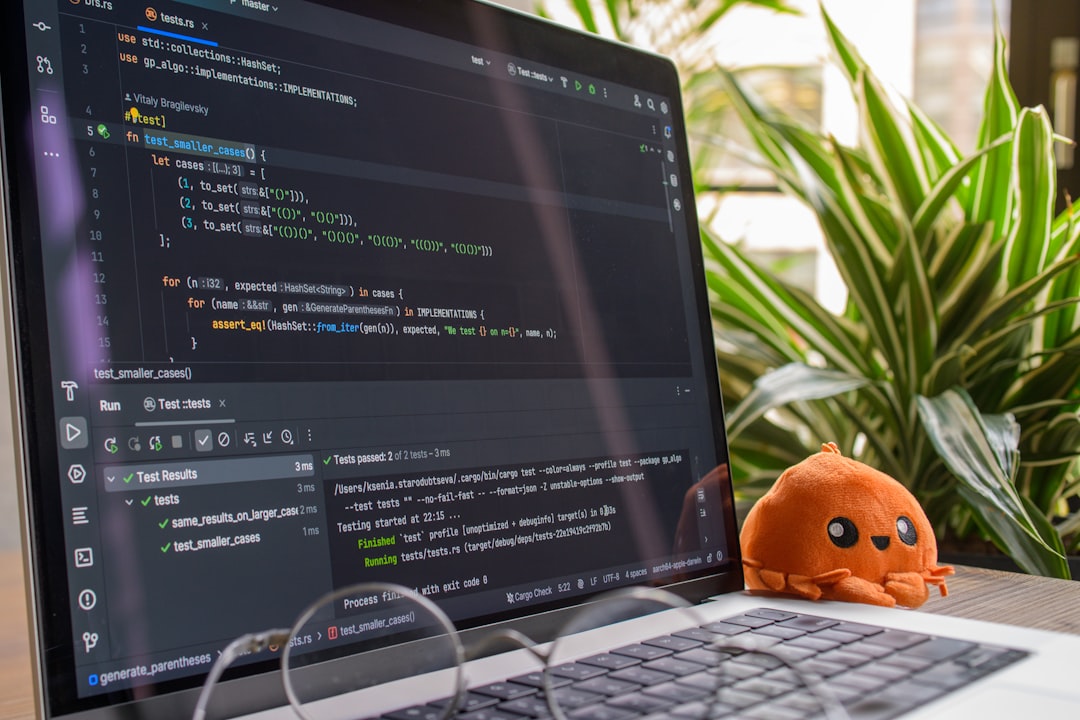
What Is a Code Snippet Manager?
A code snippet manager is a specialized tool designed to store and manage small pieces of reusable code. Unlike general note-taking apps, these managers offer features tailored to developers, including:
- Syntax highlighting
- Language recognition
- Tagging and categorization
- Fast full-text search
- Version control support
- Cloud synchronization
SnippetsLab, for example, allows users to organize snippets into folders, apply tags, and search across thousands of stored fragments instantly. These tools function like a personal code library that grows over time.
Key Benefits of Using SnippetsLab and Similar Tools
1. Increased Productivity
Time saved searching for code is time spent building features. With advanced search capabilities, developers can retrieve snippets within seconds by typing keywords, tags, or fragments of code. This drastically reduces context-switching and distractions.
2. Improved Organization
Snippet managers allow structured categorization through:
- Folders (e.g., Backend, Frontend, DevOps)
- Tags (e.g., API, Regex, Logging)
- Smart groups based on dynamic filters
This structured system ensures that code fragments remain easy to locate even years later.
3. Consistency Across Projects
Using standardized snippets ensures uniform patterns across applications. For instance, the same error handling pattern or validation logic can be reused, making codebases more predictable and maintainable.
4. Reduced Cognitive Load
Developers do not need to memorize complex syntax or specific implementations. Instead, they rely on their snippet repository as an external memory system.
5. Easier Onboarding for Teams
When snippet libraries are shared, new team members gain access to proven solutions immediately. This reduces onboarding time and promotes best practices.
Features That Make SnippetsLab Stand Out
While many snippet managers exist, tools like SnippetsLab provide a polished set of features designed for professional developers.
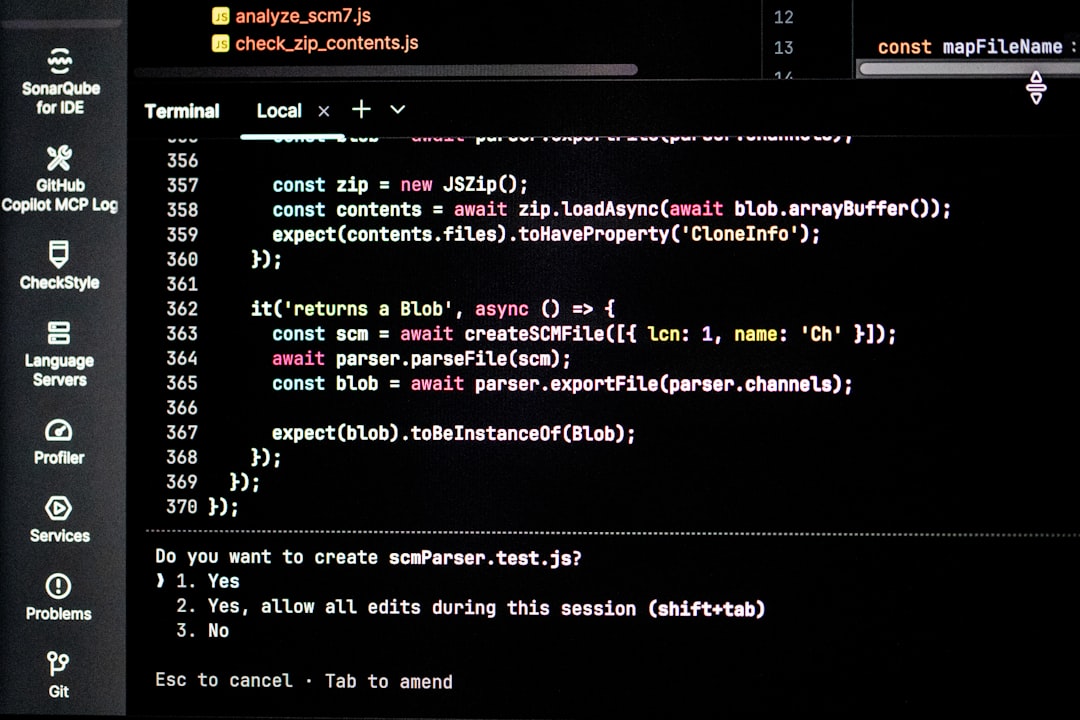
Folder and Tag-Based Organization
Users can create nested folders for structured organization and attach multiple tags to each snippet. This dual-organization approach allows flexible retrieval.
Powerful Search Capabilities
SnippetsLab offers fast, real-time searching across snippet titles, tags, and code content. Developers can search by programming language or filter results instantly.
Multi-Language Support
From Python and JavaScript to Swift and SQL, modern snippet managers support hundreds of programming languages with proper syntax highlighting.
Cloud Sync and Backup
Cloud synchronization ensures snippet libraries remain consistent across devices. Automatic backups provide additional security and peace of mind.
Import and Export Options
Many developers already have code stored in other apps or files. SnippetsLab allows importing from various formats and exporting for sharing or archiving.
Use Cases Across Development Roles
Frontend Developers
Reusable UI components, CSS patterns, animation snippets, and JavaScript utilities can all be stored for quick integration into new projects.
Backend Developers
Database connection templates, authentication middleware, logging functions, and API response structures are prime candidates for snippet storage.
DevOps Engineers
Shell scripts, Docker configurations, CI/CD pipeline templates, and infrastructure automation scripts benefit enormously from snippet management.
Data Scientists
Data cleaning scripts, graph templates, and machine learning preprocessing pipelines can be reused efficiently across projects.
Best Practices for Organizing Snippets
Merely storing snippets is not enough. Organization strategies determine long-term usability.
Use Clear and Descriptive Titles
Snippet names should reflect their function, such as:
- JWT Authentication Middleware Express
- Responsive Flexbox Grid Layout
- PostgreSQL Connection Pool Setup
Apply Multiple Tags
Tags increase discoverability. A snippet might include tags such as security, nodejs, authentication, and api.
Add Context in Descriptions
Short notes explaining how and when to use the snippet prevent confusion later.
Regularly Refactor Snippets
As development practices evolve, snippets should be updated. Periodic review ensures relevance and compatibility.
Avoid Over-Fragmentation
Storing extremely small fragments may create clutter. Snippets should represent meaningful, reusable units.
Snippet Managers vs. Version Control Systems
Some developers rely solely on repositories to retrieve past code. However, version control systems are not designed for quick snippet retrieval. Searching across multiple repositories can be cumbersome and time-consuming.
Snippet managers complement version control by offering:
- Centralized cross-project access
- Instant keyword search
- Organized metadata and tagging
- Platform-independent storage
They do not replace repositories but enhance productivity by bridging gaps between projects.
Security Considerations
When storing reusable code, especially configuration snippets, developers must exercise caution. Sensitive information such as API keys, passwords, or private certificates should never be stored directly inside snippets unless encrypted.
Many snippet managers offer local storage options and encrypted cloud sync. Choosing secure synchronization methods is essential for protecting intellectual property and credentials.
The Long-Term Value of a Personal Code Library
Over time, a carefully curated snippet collection becomes a powerful professional asset. It reflects accumulated experience, problem-solving patterns, and refined best practices. Developers essentially build a personal toolkit that evolves alongside their careers.
This accumulated knowledge allows faster prototyping, more consistent architecture decisions, and greater confidence during development.
Conclusion
Code snippet managers like SnippetsLab transform how developers handle reusable code. Instead of scattering valuable pieces across projects and platforms, they provide structure, clarity, and accessibility. By integrating powerful search, organization systems, and synchronization features, these tools significantly enhance productivity and reduce redundancy.
For developers aiming to streamline workflows, enforce consistency, and build a sustainable personal knowledge base, investing in a snippet manager is a practical and strategic decision.
FAQ
1. Are code snippet managers only useful for professional developers?
No. Students, hobby coders, and freelancers also benefit from organizing reusable code. Anyone who writes repetitive code can save time using a snippet manager.
2. How are snippet managers different from note-taking apps?
Snippet managers are optimized for code with syntax highlighting, language detection, and advanced search features, which general note apps typically lack.
3. Can snippet libraries be shared across teams?
Yes. Many tools allow export, sharing, or synchronization options that enable teams to maintain shared snippet collections.
4. Is it safe to store sensitive configuration code?
It depends on the tool and storage method. Developers should avoid saving plaintext secrets and use encryption or secure storage options when necessary.
5. How many snippets should a developer maintain?
There is no fixed number. The ideal collection contains meaningful, reusable blocks that provide long-term value without becoming cluttered.
6. Does using a snippet manager replace documentation?
No. Snippets complement documentation by providing practical code examples, but clear written documentation remains essential for understanding context and architecture.