
You’re all set to fly with Saudi Airlines. You’ve picked your flight, selected your seat, and just when you’re about to pay… BAM! The payment won’t go through. Frustrating, right? But don’t worry — you’re not alone, and you’ve landed in the right place to sort it out.
TLDR (Too Long, Didn’t Read):
If your Saudi Airlines payment isn’t working, it could be due to internet issues, banking problems, incorrect card details, or website glitches. Try updating your browser, switching devices, or using a different payment method. If all else fails, contact their customer service or pay in person. Keep reading — we’ve got simple steps to fix it fast!
Why Does the Payment Fail?
There are several reasons why your payment might fail when booking on Saudi Airlines. Here are the common ones:
- Bad internet connection
- Expired or blocked credit/debit card
- Mistyped card information
- Bank rejection due to suspicious activity
- Browser glitches or outdated software
- Technical issues on Saudi Airlines’ website
Each of these problems might sound scary at first, but they’re pretty easy to fix. Let’s break it down step-by-step.
Step 1: Check Your Internet
No internet, no payment. Simple as that.
- Make sure you have a stable connection. Refresh your browser.
- Switch from Wi-Fi to mobile data (or vice versa) if it’s acting weird.
- Try another device just to see if the problem is on your end.
If your internet is fast and steady, let’s move on!
Step 2: Double-Check Your Payment Info
We’ve all fat-fingered our credit card number at least once.
- Make sure your card number, expiry date, and CVV are correct.
- Check if your card is blocked, expired, or out of funds.
Still not working? Let’s get more technical.
Step 3: Change Your Browser
Some browsers just don’t play nice with airline websites.
- Use Google Chrome, Firefox, or Safari.
- Make sure your browser is up to date.
- Clear your cookies and cache.
Safari giving you trouble? Try Chrome. Still no luck? Try using your phone instead of a desktop.
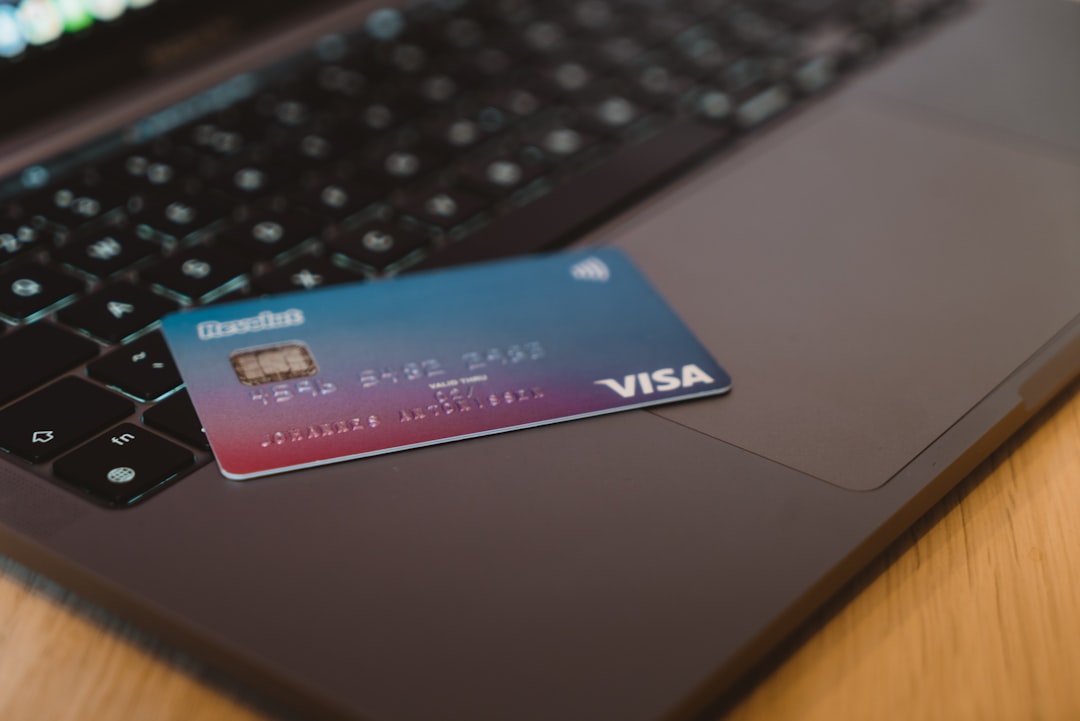
Step 4: Use a Different Card or Payment Method
Maybe the problem isn’t you — it’s your payment method.
- Try a different credit or debit card.
- If you’re using international cards, they might get blocked by your bank.
- Use alternate payment options like Apple Pay, Mada, or PayPal (if available).
If you’re trying to use a voucher or frequent flyer miles, make sure they’re valid and not expired.
Step 5: Contact Your Bank
Banks can sometimes block payments that look “suspicious.” Airline websites, especially international ones, can trigger fraud alerts.
- Call your bank or card provider and ask if they blocked the transaction.
- Let them know you trust Saudi Airlines and want to proceed.
Once they lift the block, give your booking another go!
Step 6: Try Booking on the App
Saudi Airlines has a mobile app, and sometimes it works better than the website.
- Download the Saudi Airlines app from the App Store or Google Play.
- Log in and try booking through the app.
Surprisingly, many people find that the app works when the website doesn’t.
Step 7: Contact Saudi Airlines
If nothing else works, contact customer support. Their agents can help with:
- Taking payments over the phone
- Troubleshooting failed payments
- Suggesting local offices for cash payments
Here’s how to reach them:
- Phone: Call 920022222 (inside Saudi Arabia) or check their official site for international numbers.
- Live Chat: Available on their website or mobile app.
- Social Media: Try Twitter or Facebook. They often respond fast.
Bonus Tips
Here are some extra nuggets of wisdom:
- Try booking at non-peak hours — like early mornings.
- If you’re traveling with a group, book individual tickets instead of all at once.
- Use incognito mode to avoid browser issues or price jumps.
In-Person Booking
If everything else fails, go old-school.
- Visit a Saudi Airlines office.
- Bring your ID, passport, and preferred payment method.
- They can help you book and pay on the spot.
This might not be the fastest route, but it gets the job done — no more web headaches.
Final Words
Got stuck trying to pay for that dream trip? Don’t stress. There are plenty of ways to fix Saudi Airlines payment issues.
Whether you change browsers, switch cards, or call customer service, you’re just a few steps away from making your booking a success. Travel should be fun — even while booking it!
Happy flying!